
Yes, you can! In Tenzo, you can change the language in the App at any given time. We currently support four languages: English (UK), English (US), French and Belgium (EN).
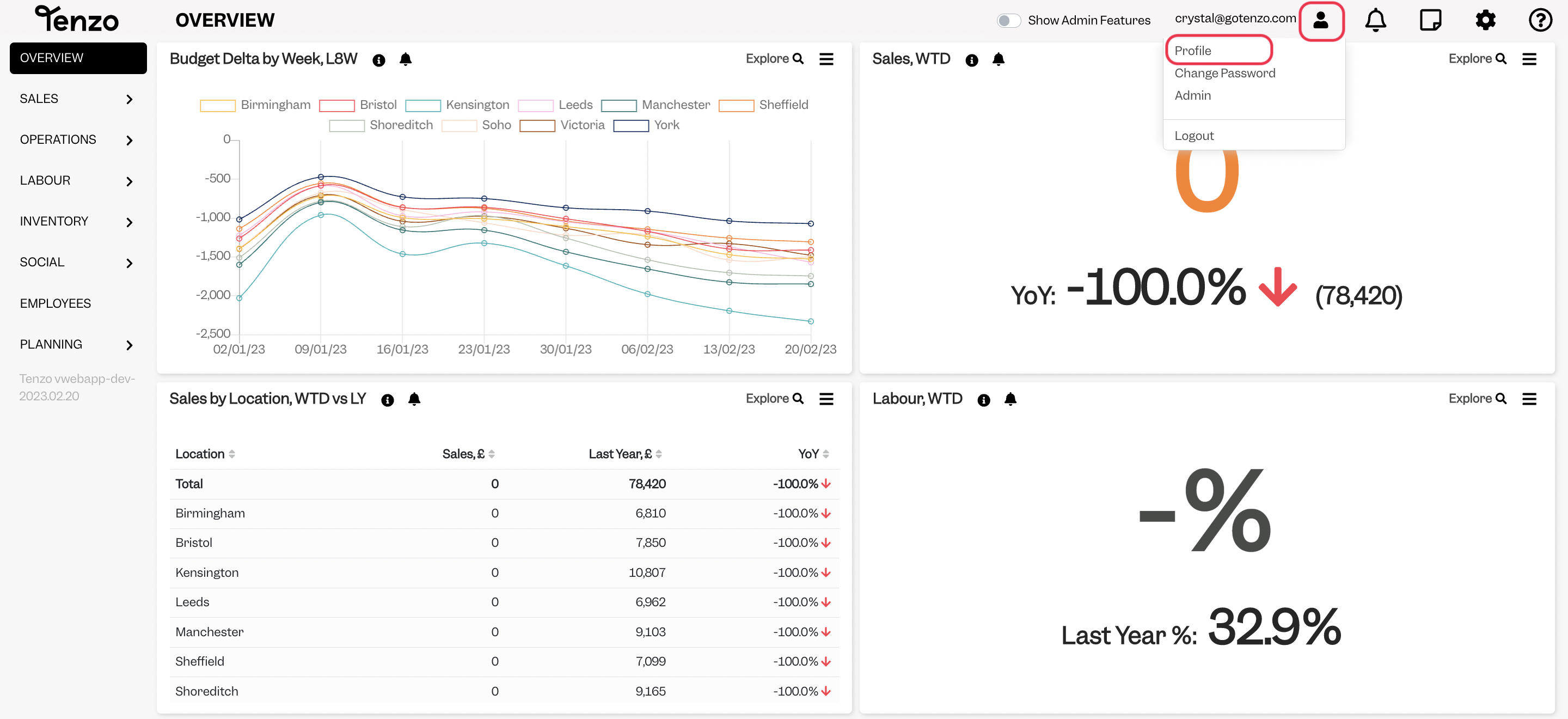
To change your language settings, head to the top right panel and click on Profile:
Click on “Locale” and choose the language you prefer: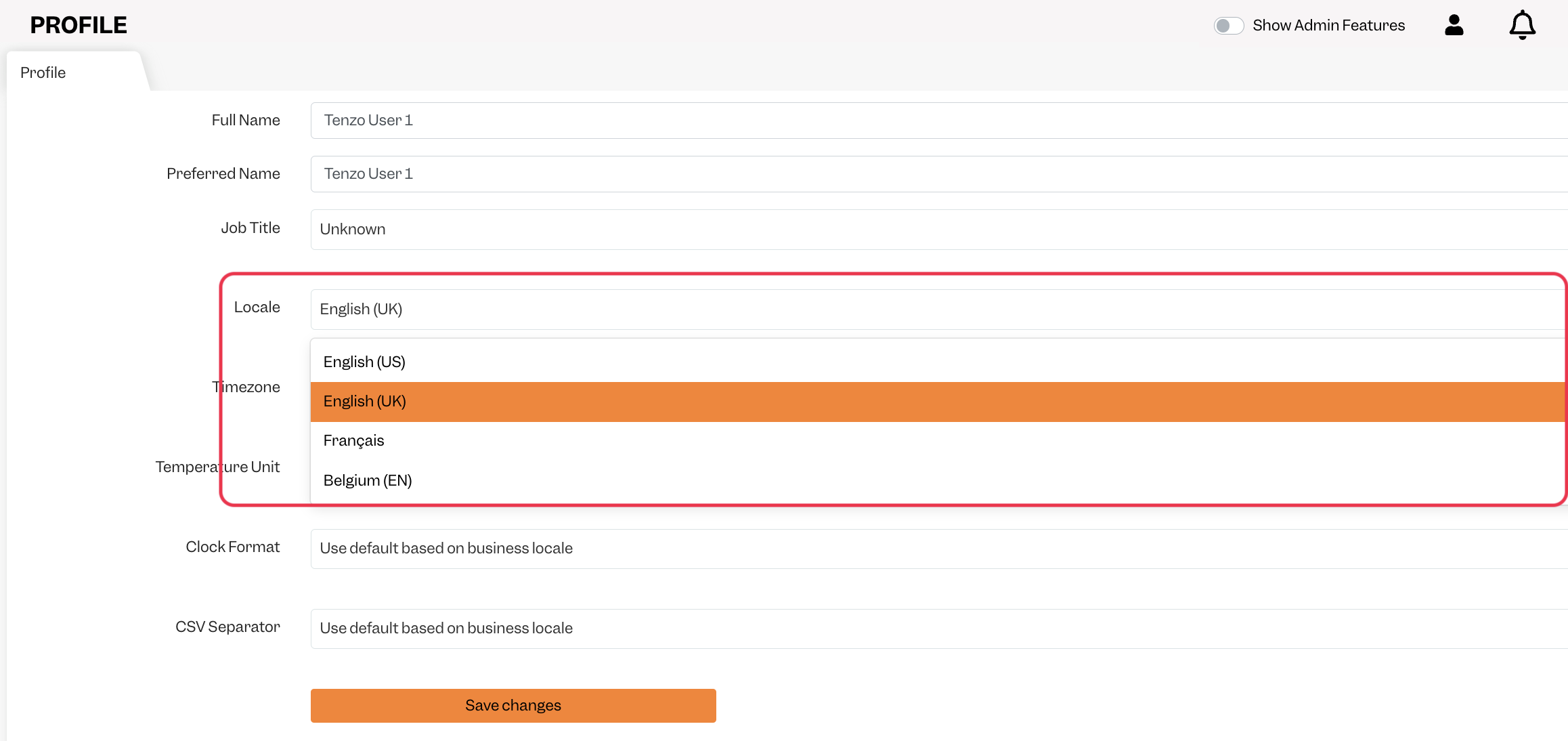
Please note changing your Locale Language will also change your date format, as explained here.
Please let us know if you have any questions! It’s best to drop us a note at support@gotenzo.com as this is monitored 24/7.
Happy Tenzoing!
*These changes can only be applied from WebApp
#account #user #customisation #customization


