
In Tenzo, we show you metrics for all the date ranges that are the most relevant to you.
If you have logged into Tenzo, you will have noticed some acronyms denoting the date range to which the data displayed in each card refers. Here is what they mean!
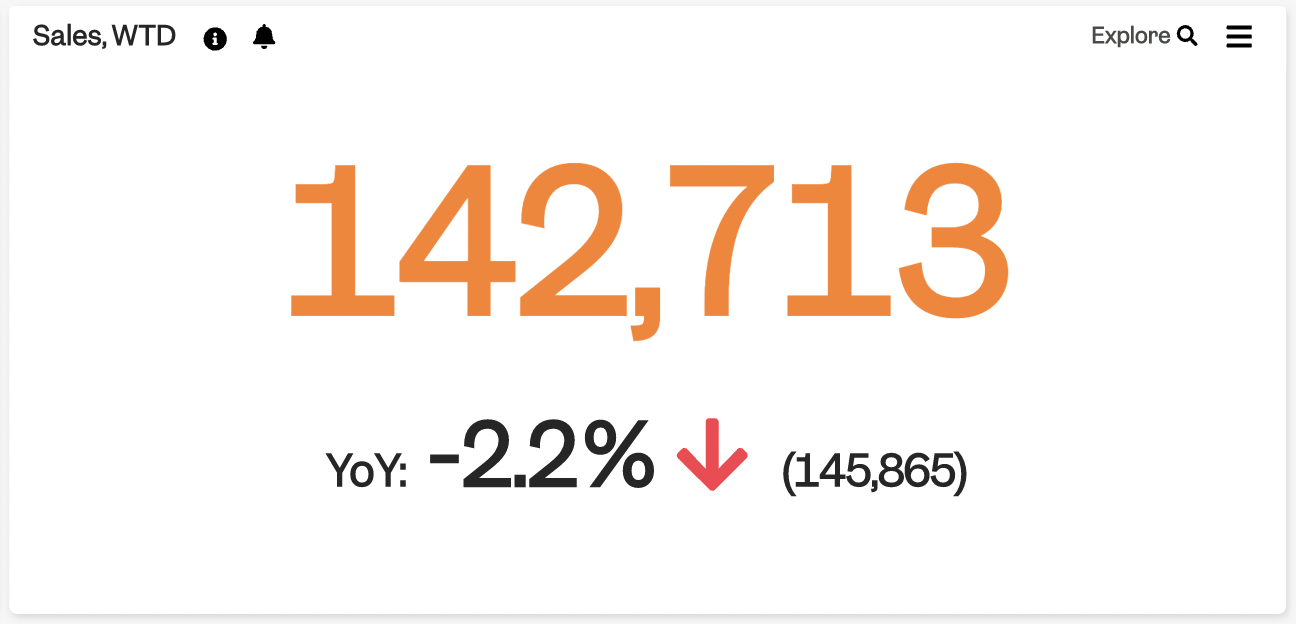
Glossary #
| WTD |
Week to Date |
| MTD |
Month to Date |
| PTD |
Period to Date |
| QTD |
Quarter to Date |
| YTD |
Year to Date |
|
LW |
Last Week |
| L4W |
Last 4 Weeks |
| L8W |
Last 8 Weeks |
|
L7D |
Last 7 Days |
| N7D |
Next 7 Days |
| YoY |
Year on Year (growth %) |
| MoM |
Month on Month (growth %) |
| WoW |
Week on Week (growth %) |
WTD, MTD, PTD, YTD #
Especially for these periods, it is important to understand what they mean.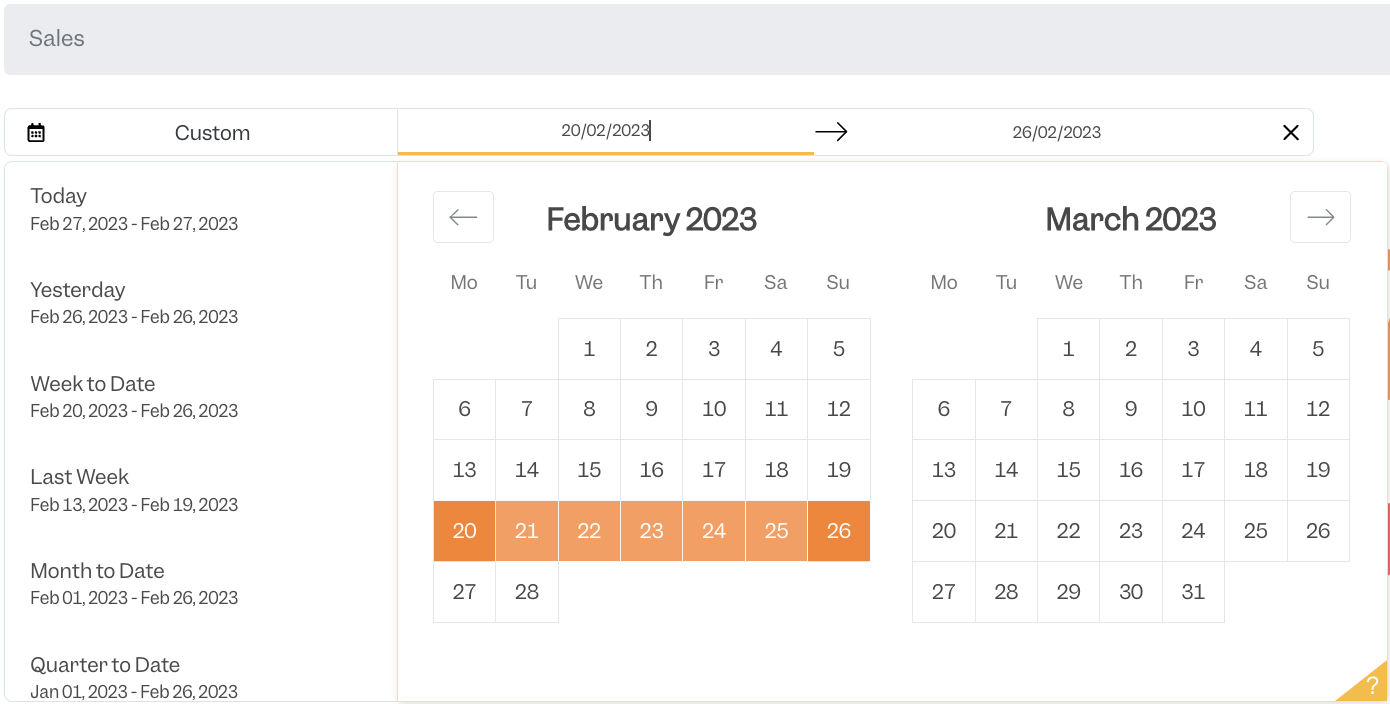
In Tenzo, we create cards on the basis of the data we have received for each complete operating day. This means that all of these ranges will refer to the mentioned period and up until yesterday.
For example, Week to Date (WTD) refers to all the days from the start of the current week to yesterday.
If it’s a Thursday, you will see data from Monday to Wednesday.
Conversely, on a Monday, you will see the full last week from Monday to Sunday.
To learn more about how to choose custom date ranges to see your metrics, please read this article.
Comparison Periods #
To compare data, we take periods that would suit a comparison:
E.g. if today is Monday the 25th of May, the 25th of May of last year was a Sunday. It would make little sense to compare the performance of a site on days that are typically very different.
For this reason, we compare Like for Like – Monday 25th this year will be compared to Monday the 26th last year, so we are considering the same day of the week (Monday).
WoW comparison #
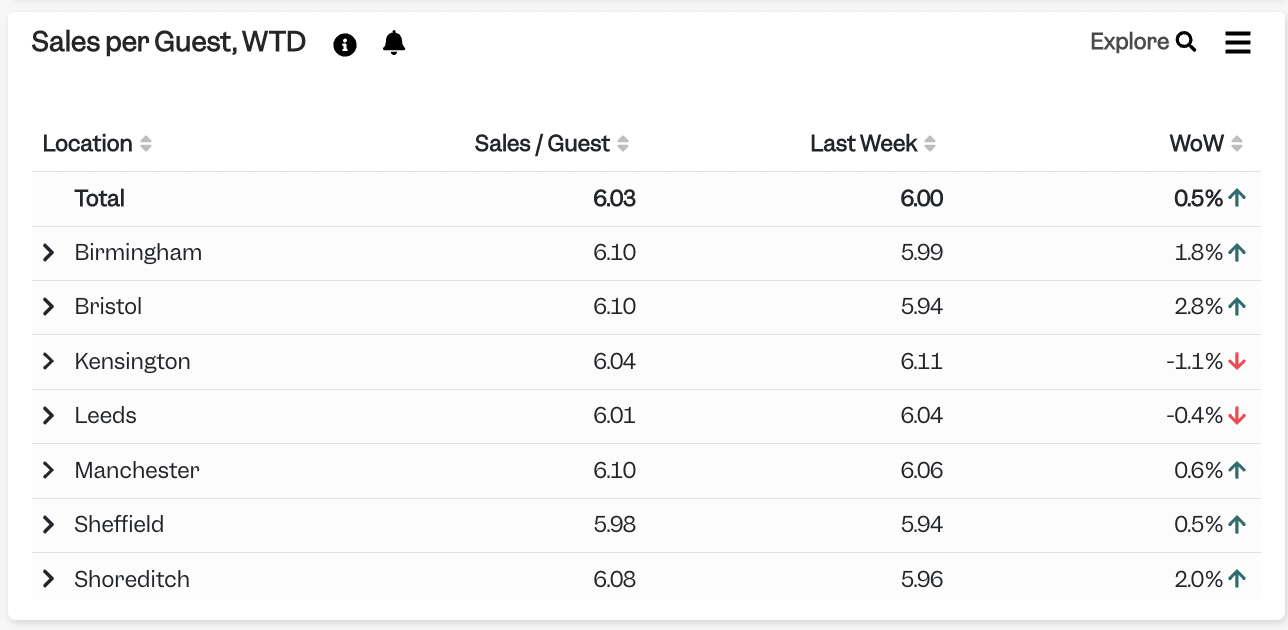
If you are looking at one day, e.g. Yesterday, and you see a “Last Week” and “WoW” comparison, it means we are comparing Yesterday to the equivalent day Last Week.
If Yesterday was a Tuesday, we’ll compare to Tuesday Last Week and calculate the % of growth.
Financial Calendar and Week Start #
The day on which your week starts can be customised for your Account – e.g. your week can start on a Monday, or it could start on a Thursday.
It is also possible to customise your Financial Calendar, which will impact your PTD dates.
For example, you could split your weeks in a 4-4-5 pattern or a 4-4-4, and each one of these would be your period. Or you could just split the year in Quarters, in which case you would see the names MTD and QTD instead of PTD.
If you are an Admin in Tenzo and wish to change your Financial Year or days of Week, please contact your CSM or drop us an email at support@gotenzo.com.


