
Table of Contents
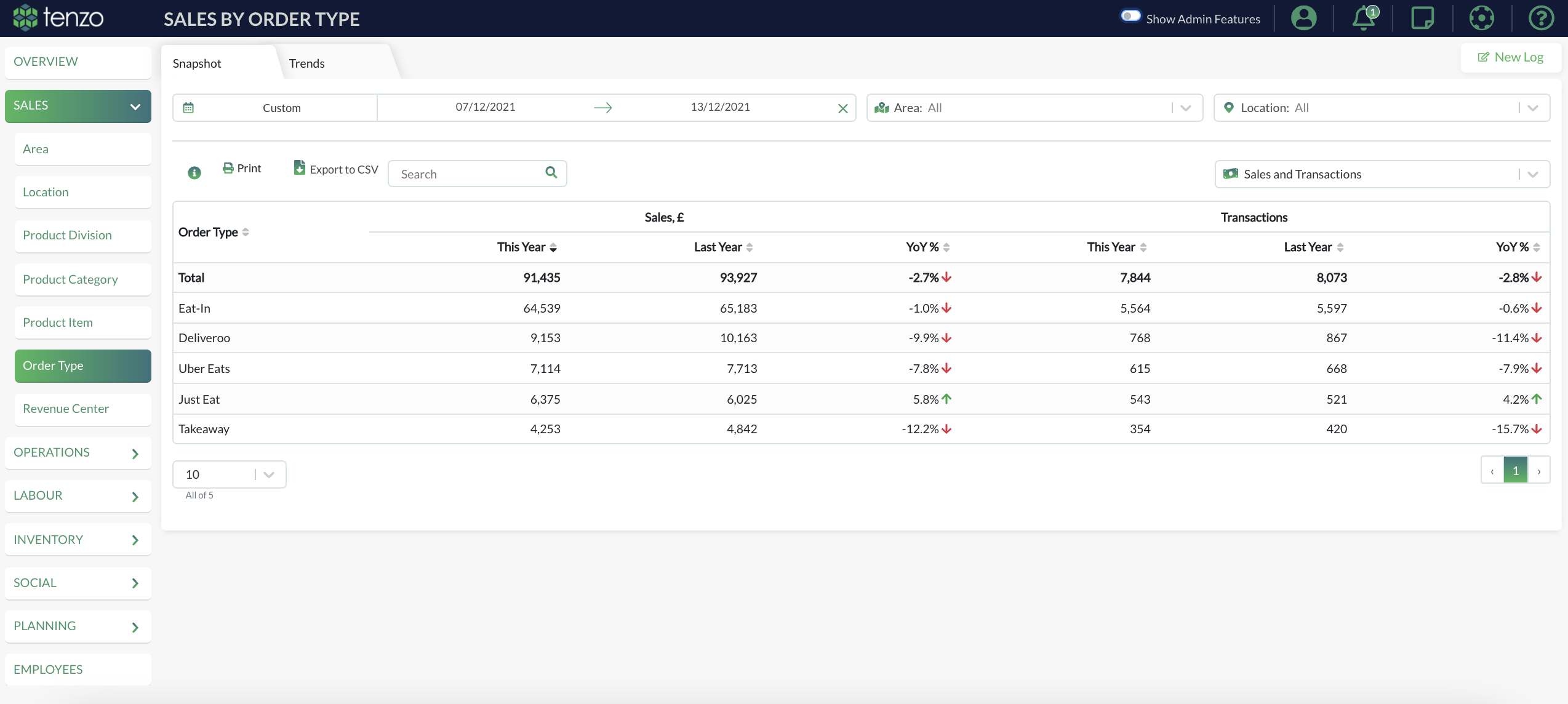
Having your order types in Tenzo helps you see how your sales come in from different sales channels.
How to update your order types in Lightspeed K #
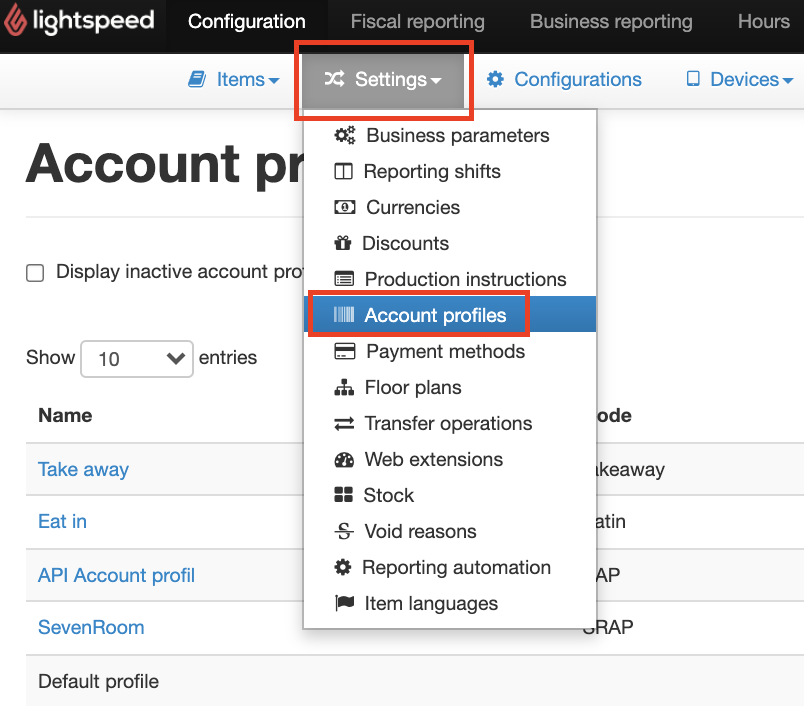
If you want to update your order type, you can do this in your Lightspeed Configuration > Settings > Account Profile:
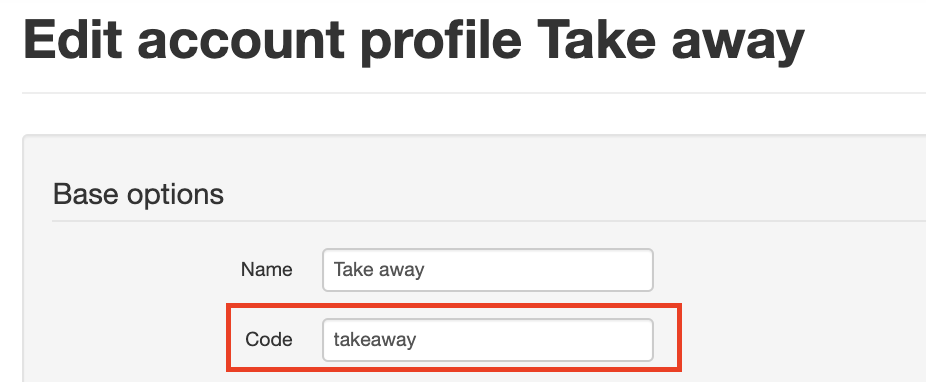
Tenzo pulls in the Code from Lightspeed:

By clicking edit, you can update the Code:
How to update your Order Type in Tenzo #
Once you have updated the Code in Lightspeed, you will need to reload the POS before the changes can take effect. On your POS bottom right – click on the refresh button:

Once done, please drop a note to support@gotenzo.com and let us know that you have completed the above steps and the changes you have made.
Happy Tenzoing.
#sales #ordertype #ikentoo


