
If your Tenzo mobile app seems to be crashing, please follow the instructions below:
Android:
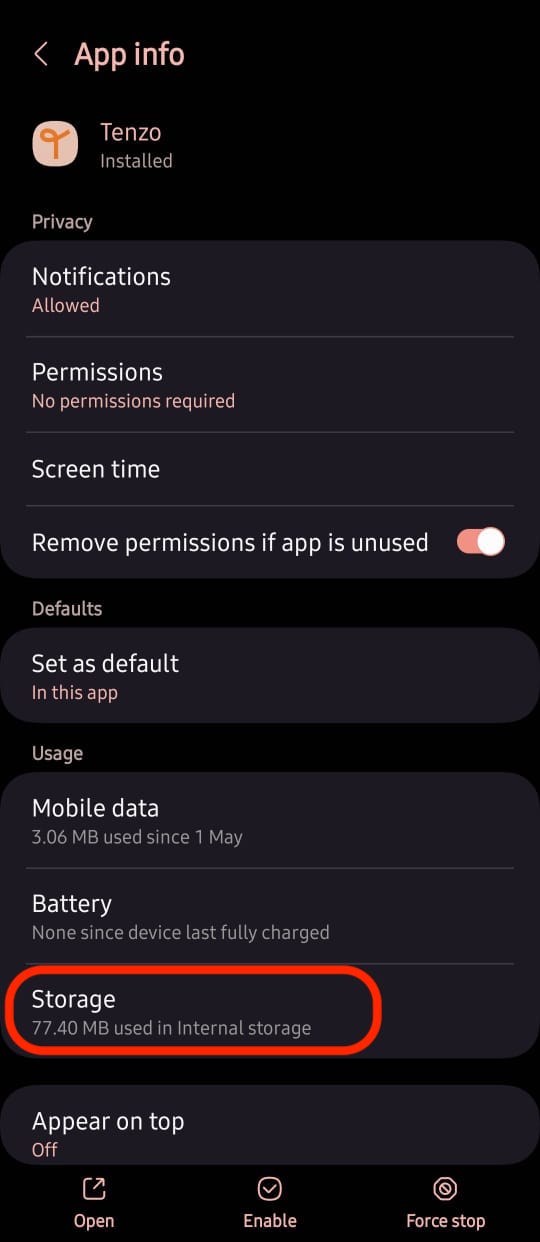
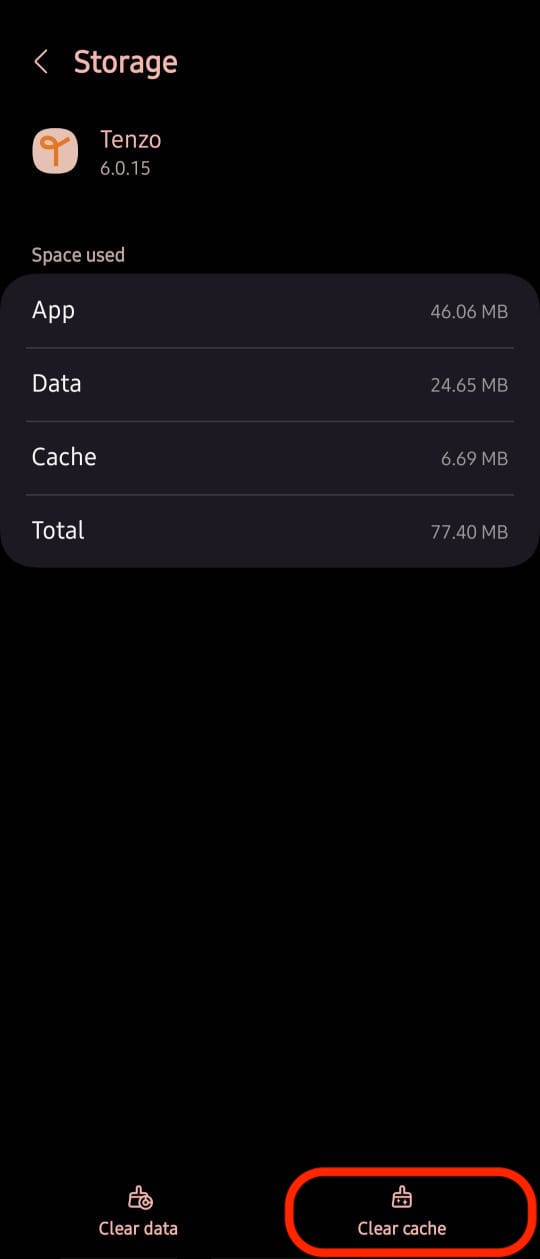
Step 1: Settings > Apps > Tenzo > Storage > Clear cache
Step 2: Log into Tenzo
*If this does not work:
Step 3: Uninstall Tenzo & reinstall it again
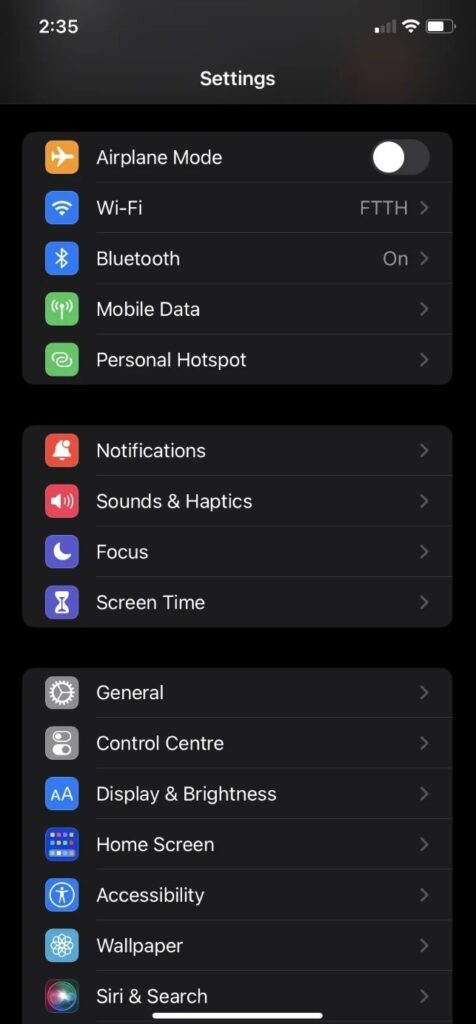
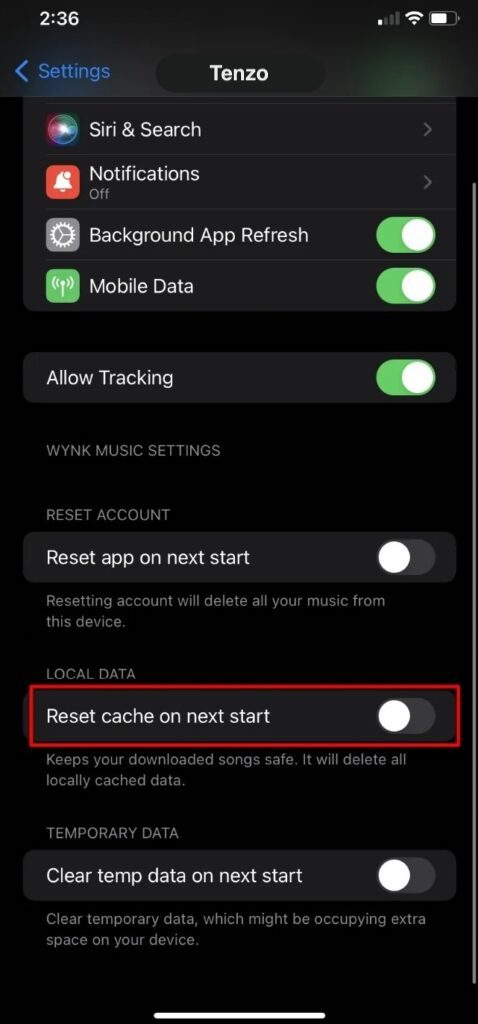
Apple: Settings > Tenzo > Toggle named ‘Reset cache on next start’ > Launch Tenzo from homescreen
(If you don’t have this option, the only way to clear cache is by deleting and reinstalling them from the App Store)
 .
. 
If you are still facing this issue, please send us an email on support@gotenzo.com.


