
If you have created a user using this guide but your employee has yet to receive the invite email, please follow the steps below.
1. Check if their email address was correct for their invite; and ask them to check their spam folder in case our email ended up there. If that is not the case, please try re-sending the invite.
Re-invite a user #
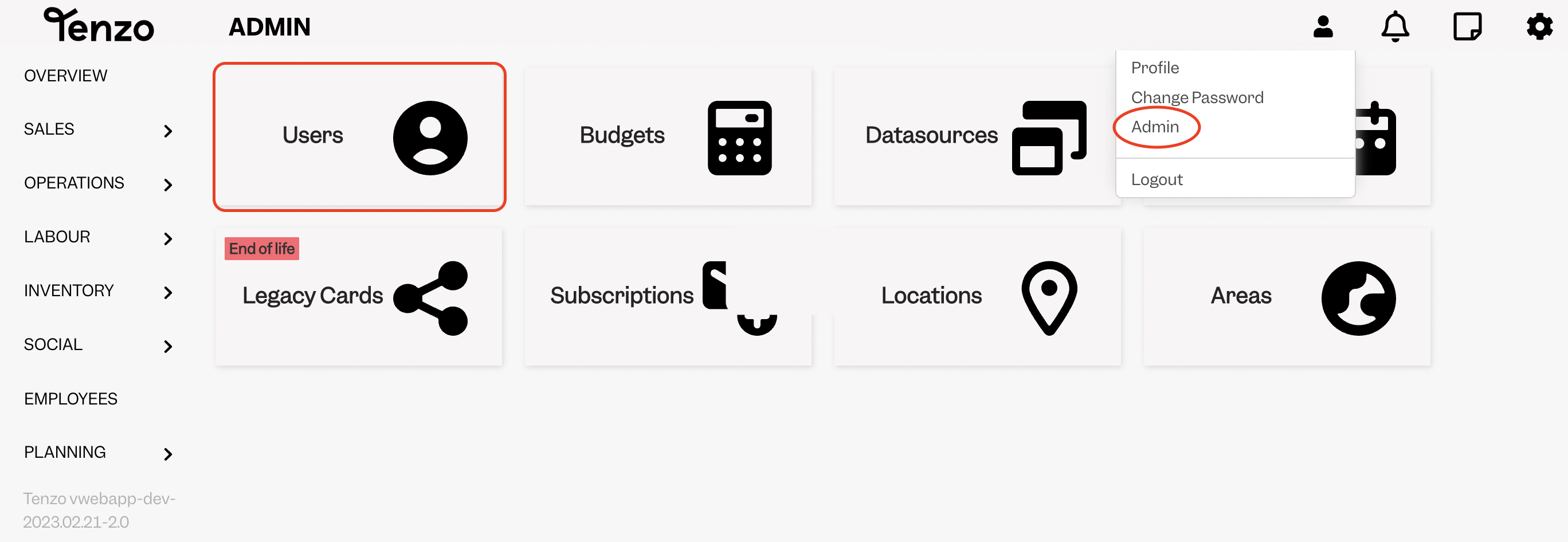
To do this, head over to Admin in the Tenzo Web App and select Users:
If you don’t have access to Admin, please let your Administrator in your Business perform this task.
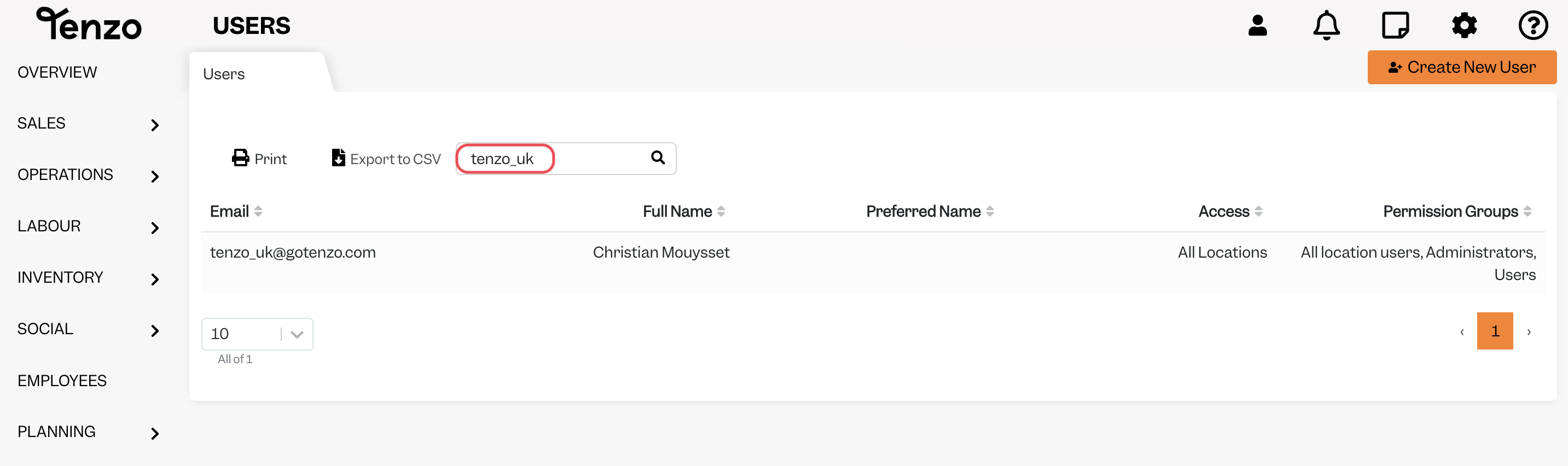
Search for the user you had invited but who has not received the email, you should see the label “Invite pending” below their name.
Click on the User, and you’ll see the option “Click here to resend”.
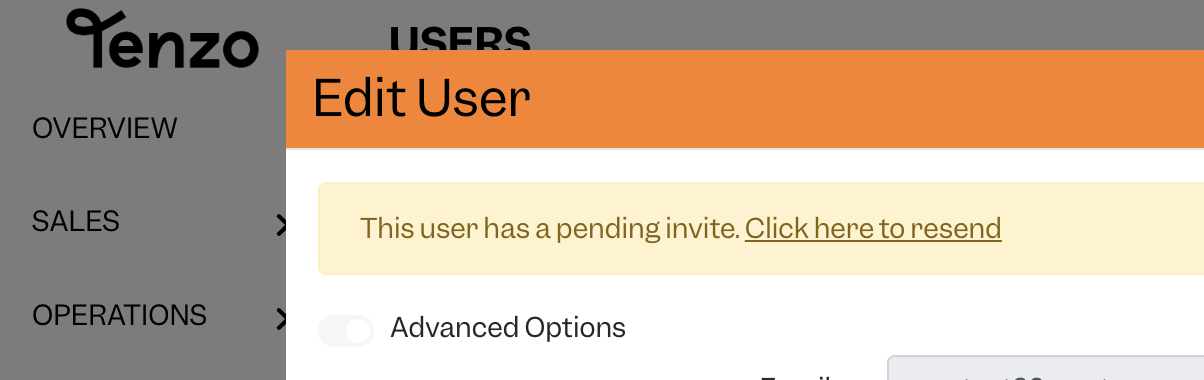
This will resend the invite to the User.
If they are still not receiving the resent invite, please ask them to check their spam/junk folders. If it isn’t here, please also check with your IT support to confirm that you’re not blocking any emails from ‘…@gotenzo.com’ email addresses.
Please drop us an email at support@gotenzo.com if the user has yet to receive the invite and we will be happy to assist you!
Happy Tenzoing!
#user #invite #resend


