
In Tenzo, we take security seriously and understand its importance for our customers as well.
You can change your password anytime in Tenzo by clicking on your Profile > Change Password:
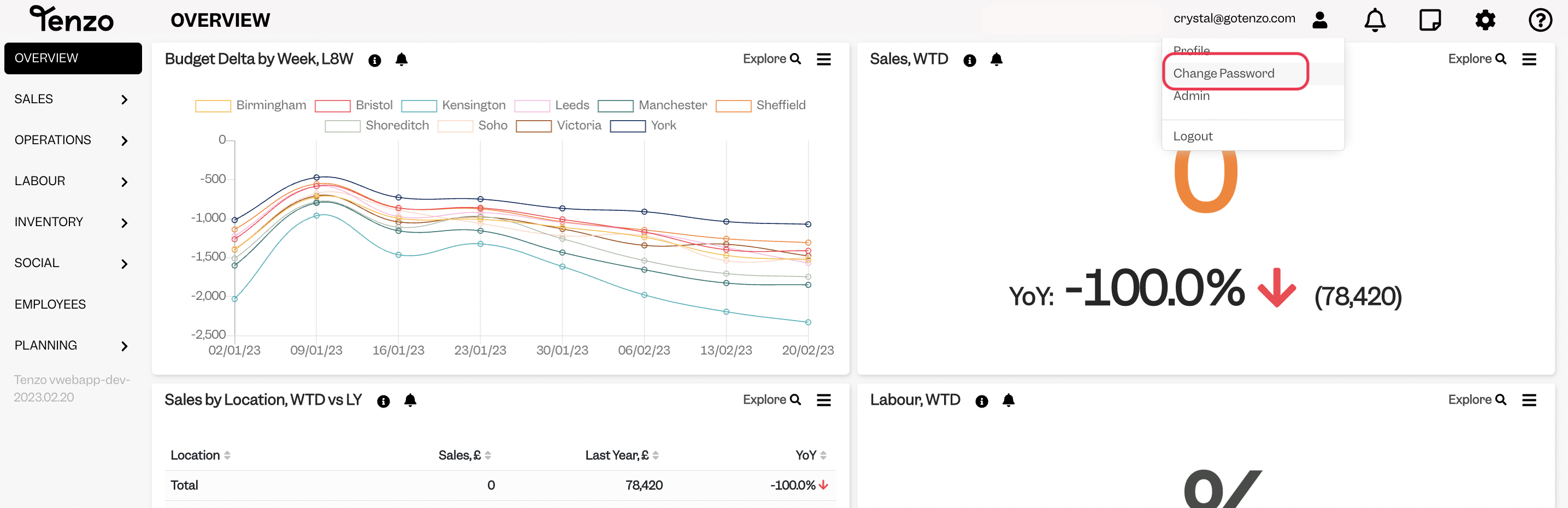
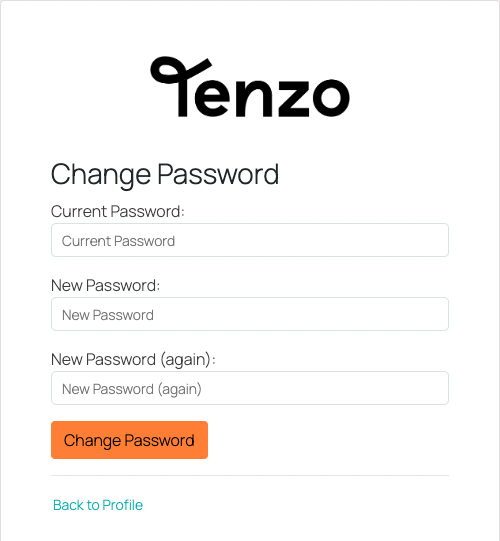
You will then be taken to another screen to change your password:
How do I create a secure password?
Here are our top tips for creating secure passwords:
- Avoid using the same password for multiple accounts.
- Avoid using personally identifiable terms.
- Avoid using common words or phrases, examples include: password, 123456 or qwerty.
- Use different type of characters, example include: !@#$%^&*().
- Make it long.
- Change your password regularly.
- Use a password manager to save all your passwords – they also can help you create long secure password! Here are some password manager recommendations.
If you have any questions please do drop us an email at support@gotenzo.com.
Happy Tenzoing!
#user #account


