
If you are here, you are having trouble matching your Tenzo sales to your integration.
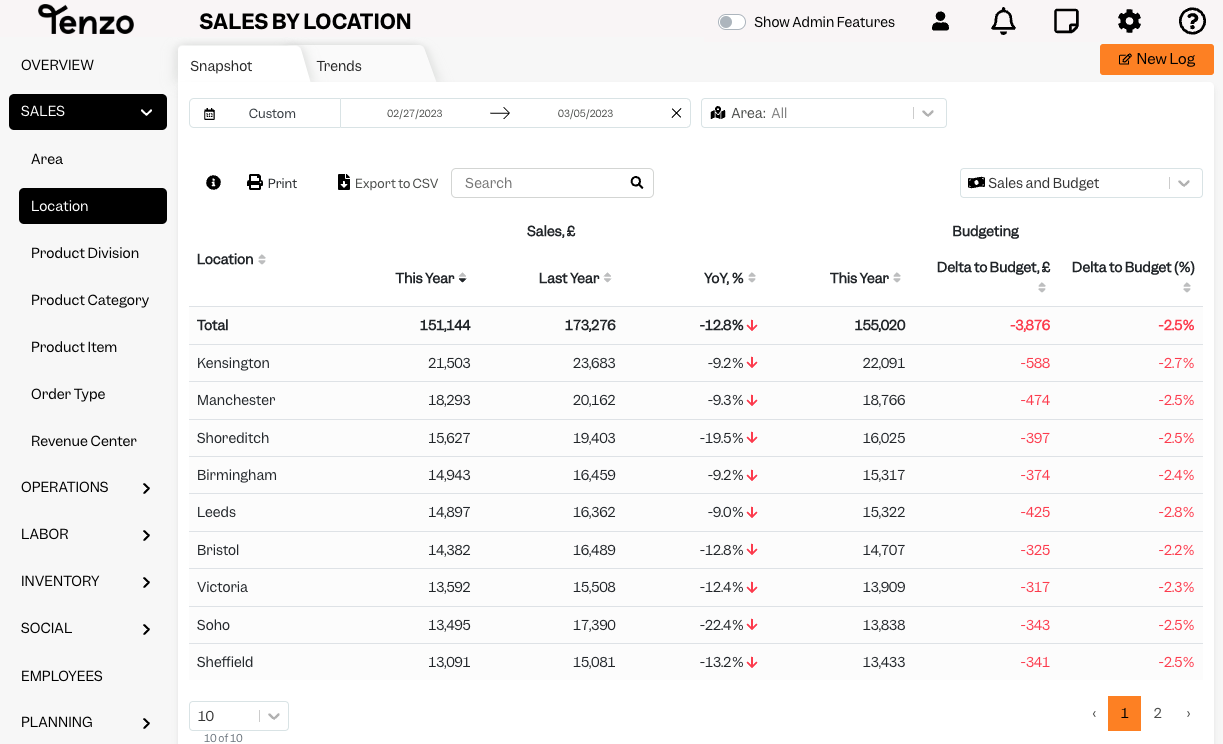
When comparing your sales data with Tenzo; always check if you have your settings matched to your integration report.
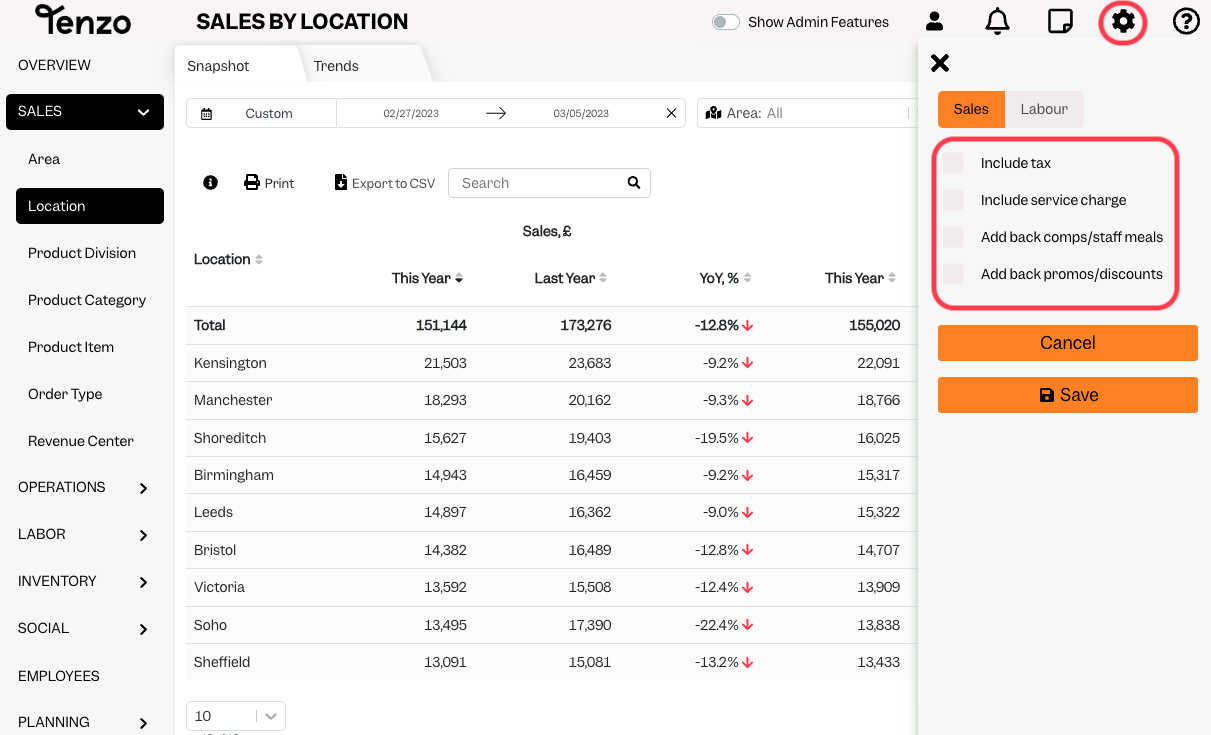
For gross sales you would need to have ‘VAT’ included and for your Net sales reports you need to have none of the settings options ticked.
If after checking this your sales are still not matching, please find the integration guide for you Point of Sales (POS) from the list here to ensure you are looking at the correct report in the POS to compare to Tenzo. This is important as some POS reports may show sales with different additions without making this explicit on the report.
If your POS is Comtrex, Tevalis, NCR or Micros and you are aware of a change to your Server Till – or if you have any other questions please contact support@gotenzo.com with the details of the server till change.
#sales #integrations #data


