
In Tenzo, you have many ways of looking at your metrics to help you better understand your Business’ performance and maximise efficiency.
Operations: by Part of Day #
An exciting Module is Operations by Part of Day, where you will see your revenue split up by key parts of your day like Breakfast, Lunch and Dinner.
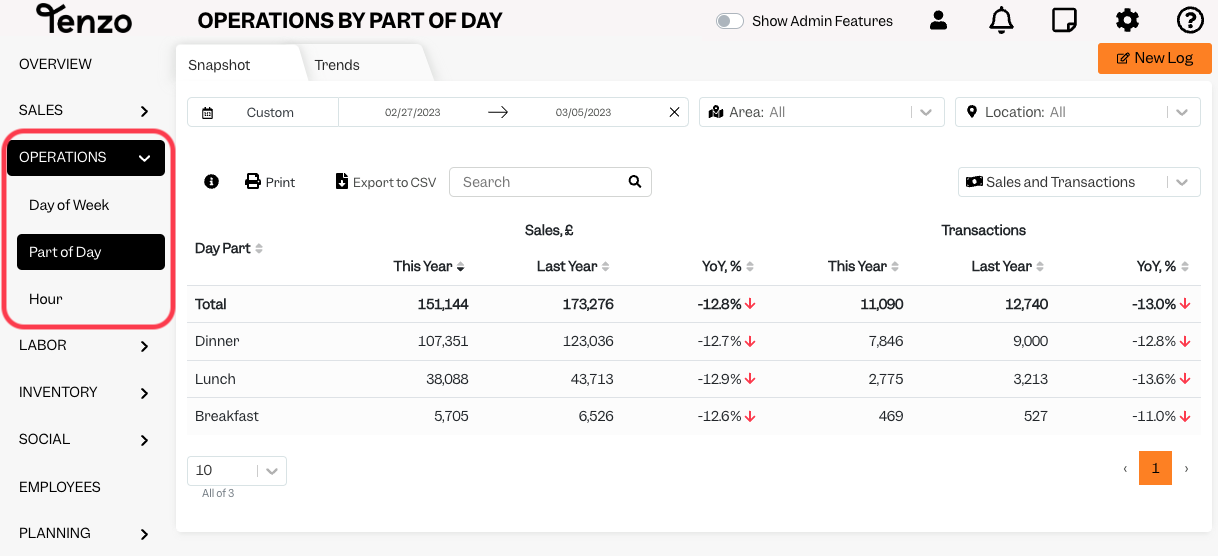
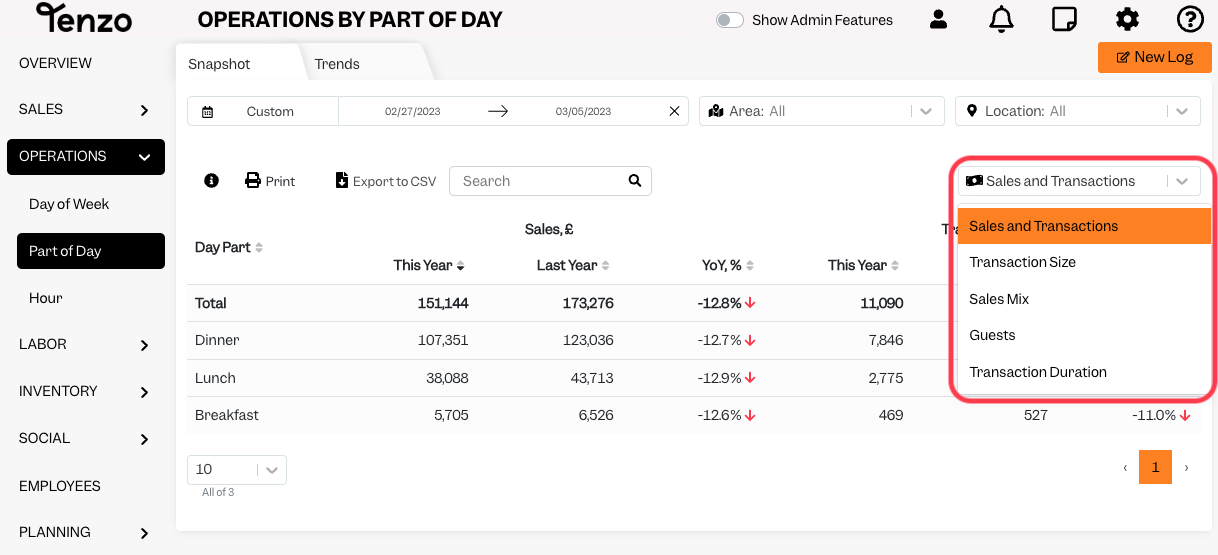
Remember, you can always filter results by Location and by Date, and on the drop-down menu on the right, you can choose to look not only at Sales and Transactions but also at other metrics like Sales Mix, Guests and Transaction Size.
Why is my Part of Day in Operations module not matching my integration? #
Sometimes, the Parts of Day you have in Tenzo does not match your integration; for example, you have a different timeframe for Breakfast, Lunch & Dinner.
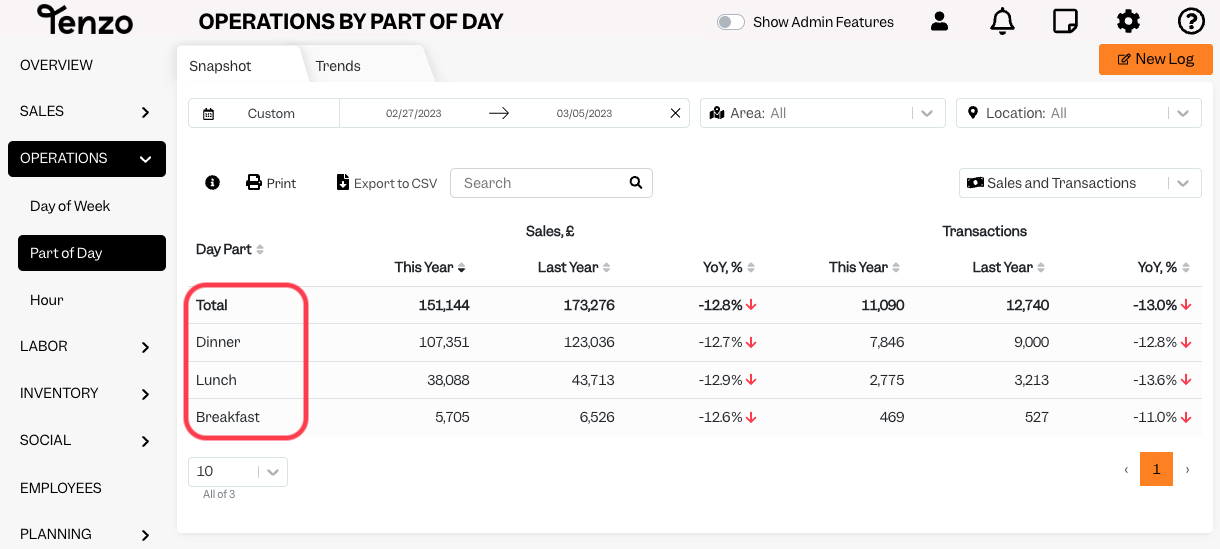
This is because Day Parts in Tenzo are manually configured during the set-up, and they don’t automatically match your integration.
How do I change the time? #
If you wish to change your Tenzo Day Parts, kindly contact your Customer Success Manager or email us at support@gotenzo.com, and we will have it changed for you!
Happy Tenzoing!
#sales #integrations #data


