
The Tenzo App is available on both Web and Mobile. The mobile version is designed for operations teams on the go, giving quick access to insights needed for daily decision-making.
You can download it from the App Store or Google Play.
Home Page #
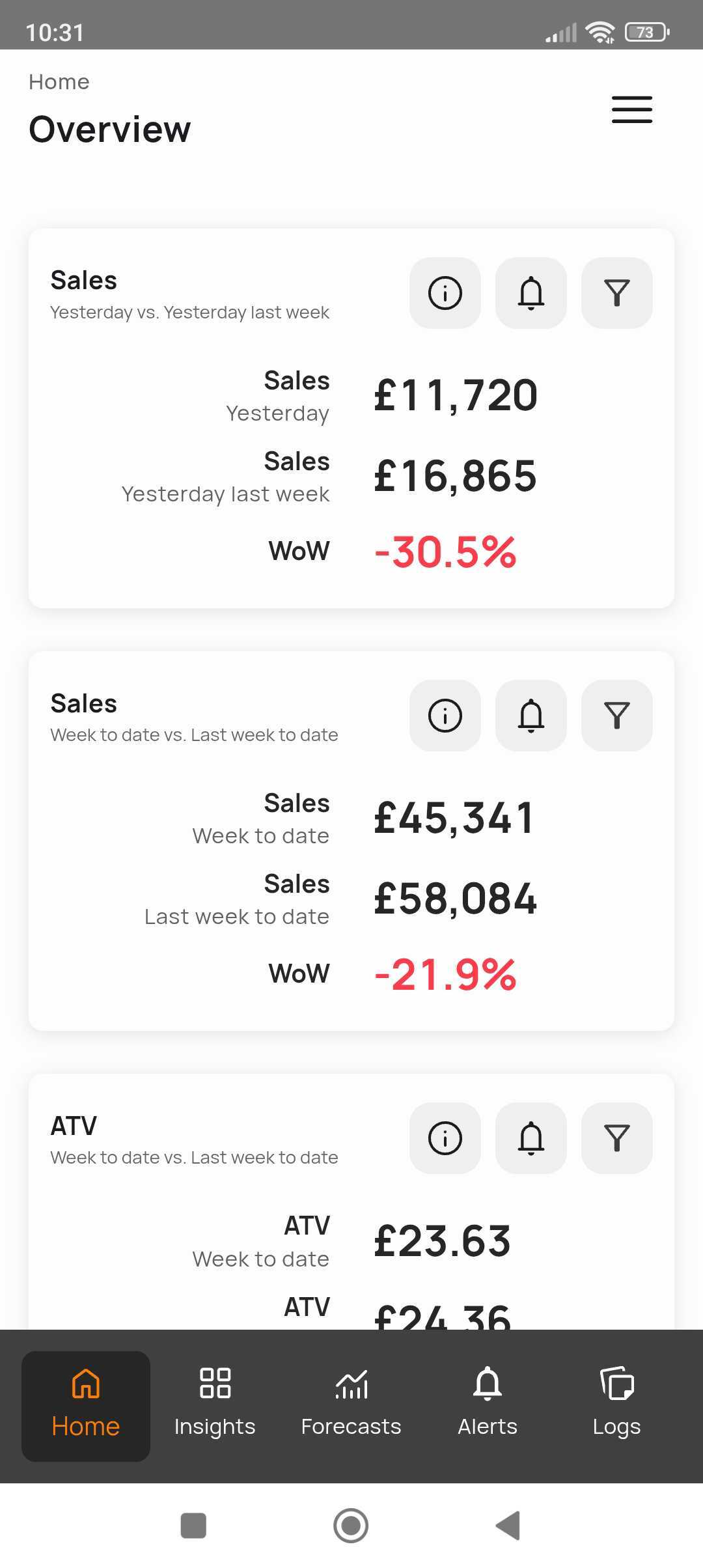
When you open the app, you’ll land on the Home Page.
Here you can quickly view your key KPIs — such as Sales, ATV, and Sales by Day Part — and compare your week-to-date vs. last week-to-date performance.
You’ll also see quick summary visuals, like bar and line charts, to help spot trends instantly.
At the bottom of the screen, you’ll find five main icons for navigation:
-
Home – Your daily and weekly overview.
-
Insights – Dive deeper into sales, labour, and performance trends.
-
Forecasts – Review, adjust, and submit your daily sales forecasts.
-
Alerts – View alerts like social reviews, anomalies, or key updates.
-
Logs – Add or review daily logbook entries.
Insights #
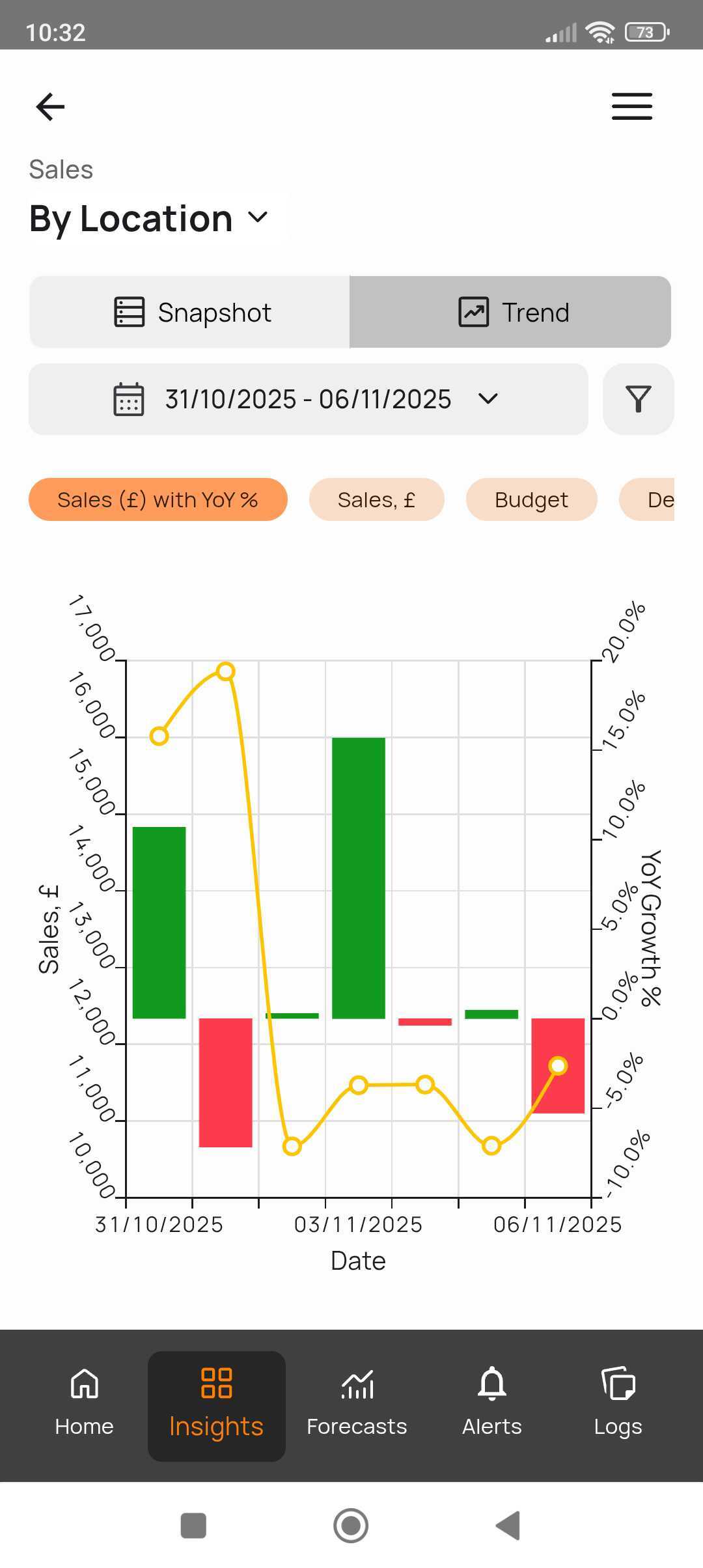
In Insights, you can switch between:
-
Snapshot — a quick summary of current performance, and
-
Trend — a visual timeline showing performance over time.
Simply tap the top of the screen to toggle between them.
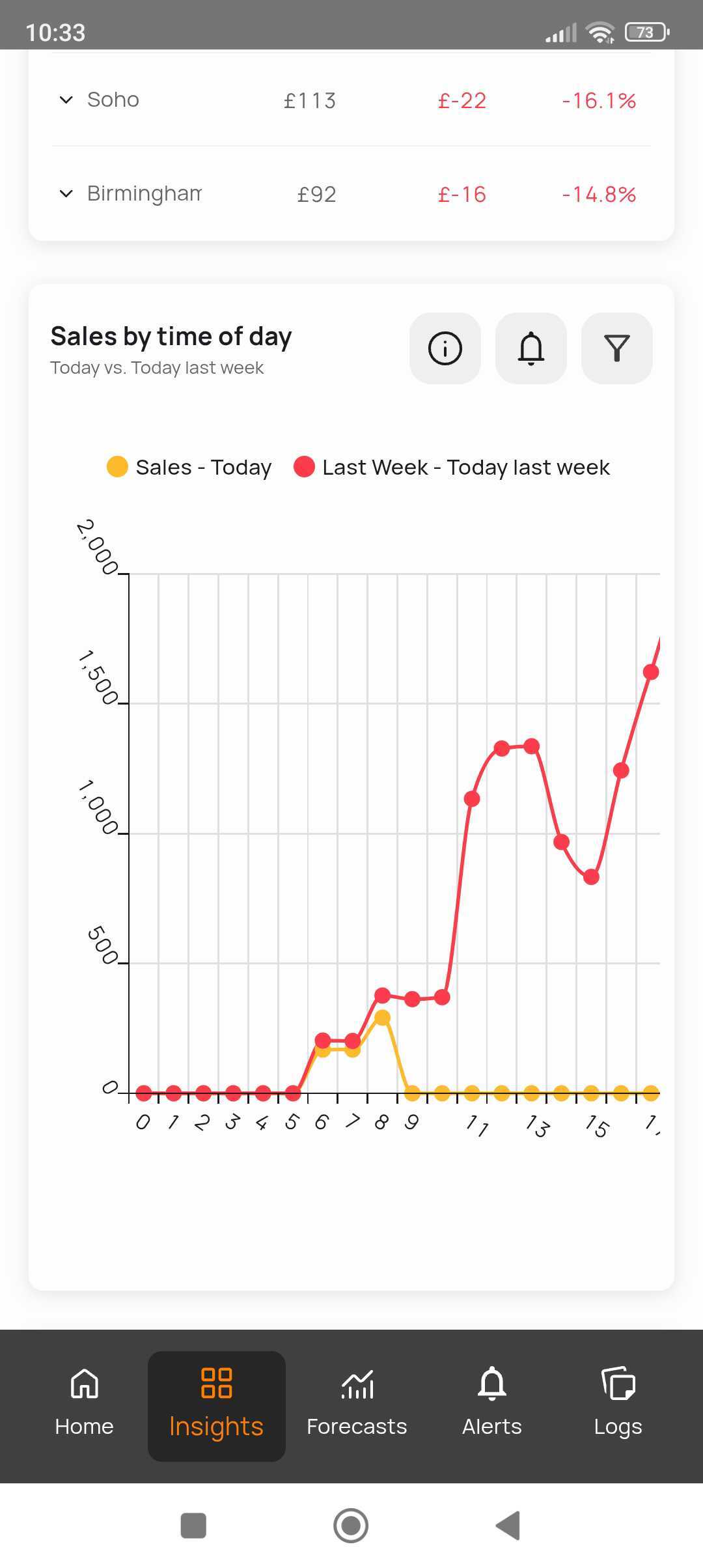
From here, you can view metrics like Sales by Location, Sales by Day Part, and YoY Growth.
You can also adjust the date range using the dropdown calendar to see specific periods.
Forecasts #
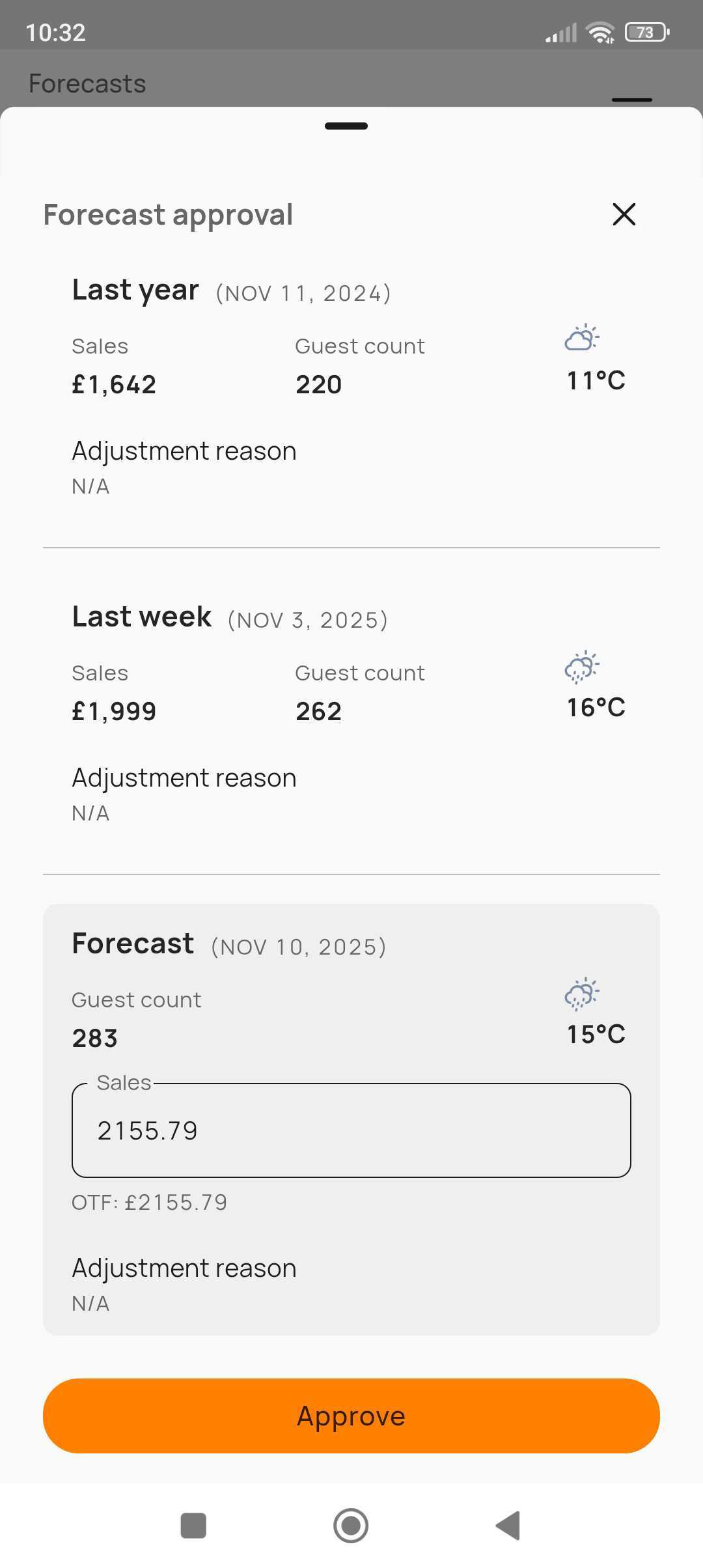
Within the Forecasts module, you can review, adjust, and submit your daily sales forecasts directly from the app — just like on the Web App.
Alerts & Logs #
-
The Alerts tab shows any new updates, from performance alerts to new customer reviews.
-
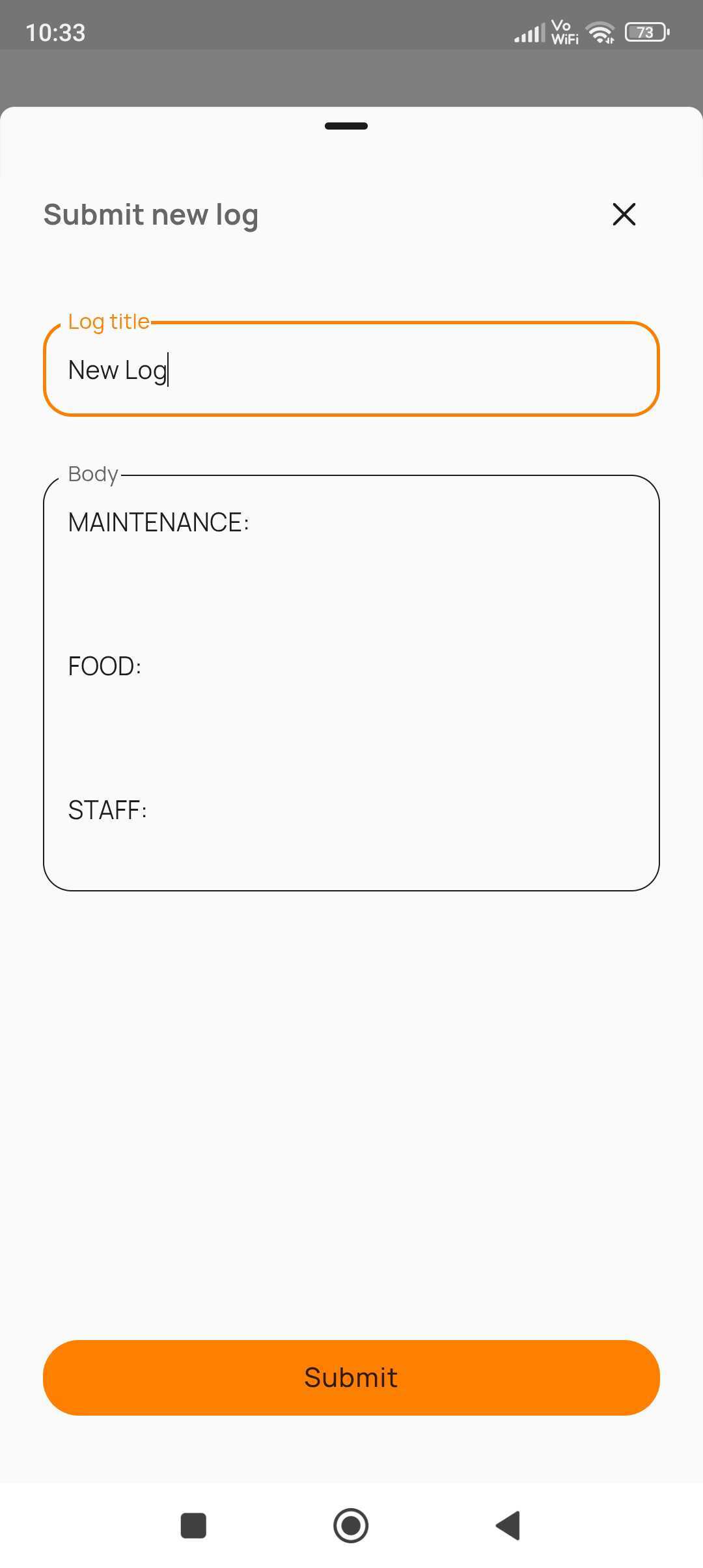
Under Logs, you can add new logbook entries, or browse previous notes and submissions for that day.
#mobile


