
In Tenzo, we know how important it is to view your data all in one place, especially if you would like to have access to more than one business/country within the same platform. We can have this set up for you!
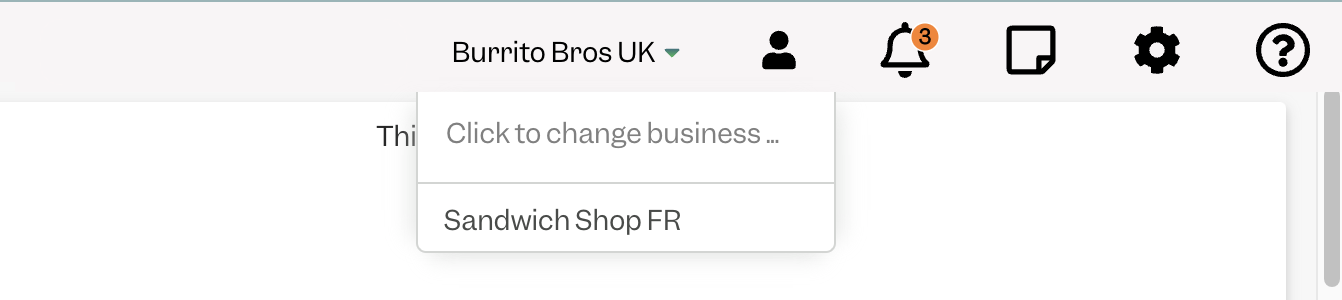
If you already are a Multi business user, you have on your top panel a business switcher:
How to create a Multi business User #
For new users:
1. An Administrator in the business creates new users for one of the Businesses by following the instructions here.
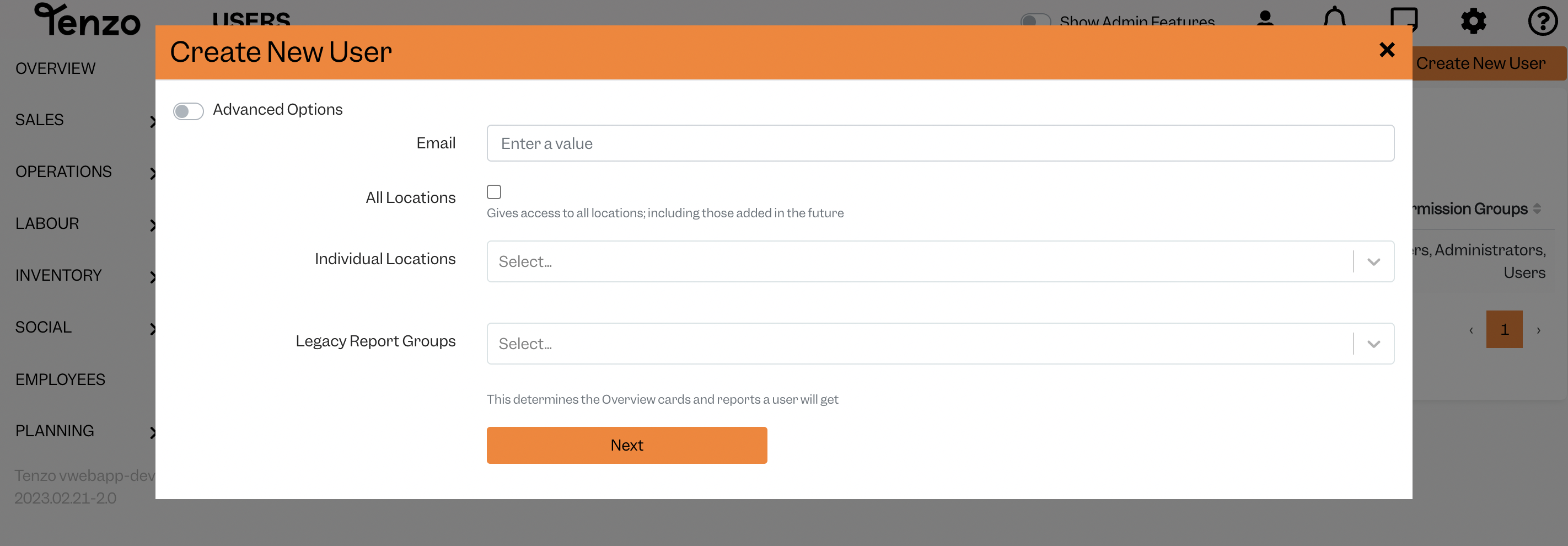
Once the user completes the registration by filling in their name, details and choosing a password, you can follow the next step.
For new users & existing users:
2. Now you can add the user to the second business by creating a new user for that business.
Please take note that you need to enter the email exactly as you did before, also minding capital letters.
The user will receive a new email with an Invite, and will no longer need to set a new password.
They will automatically be given access to the new business, and within their account, they’ll now see the Business Switcher on the top right.
You can repeat the process if you would like to add more businesses to the user.
Can I limit the access of a Multi business user to some locations only? #
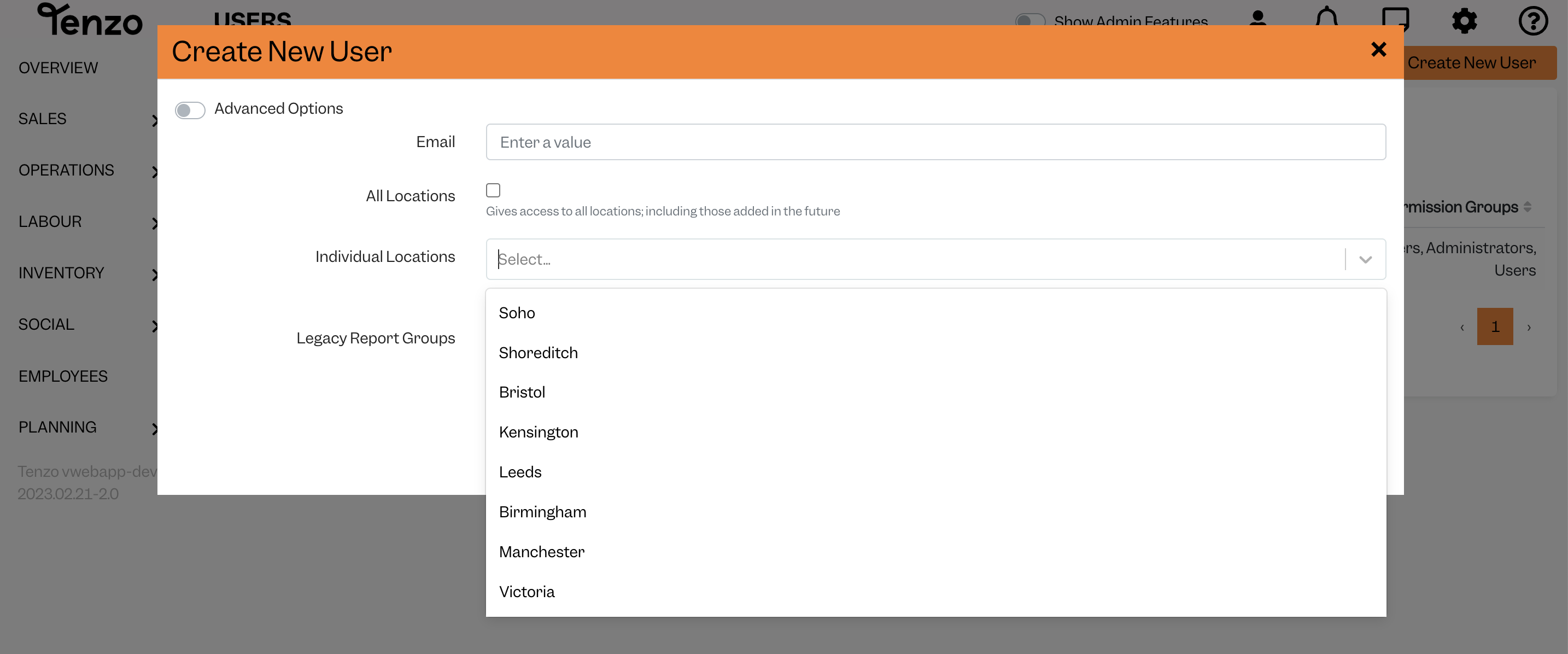
For example, if you have two businesses, each with 5 locations, you can create a user that has access only to 2 locations of both businesses.
To do this, create the user by following the steps above, and when you are creating the user in each business, click on “Individual Locations” and select all the locations you want to give them access to:
If you have any questions about Multi business users or if you need any help setting this up, please contact us at support@gotenzo.com and we will be happy to answer all of your questions 🙂
Happy Tenzoing!
#business #account #user


