
Tenzo makes it easy for you to access all the useful data you need for your Business.
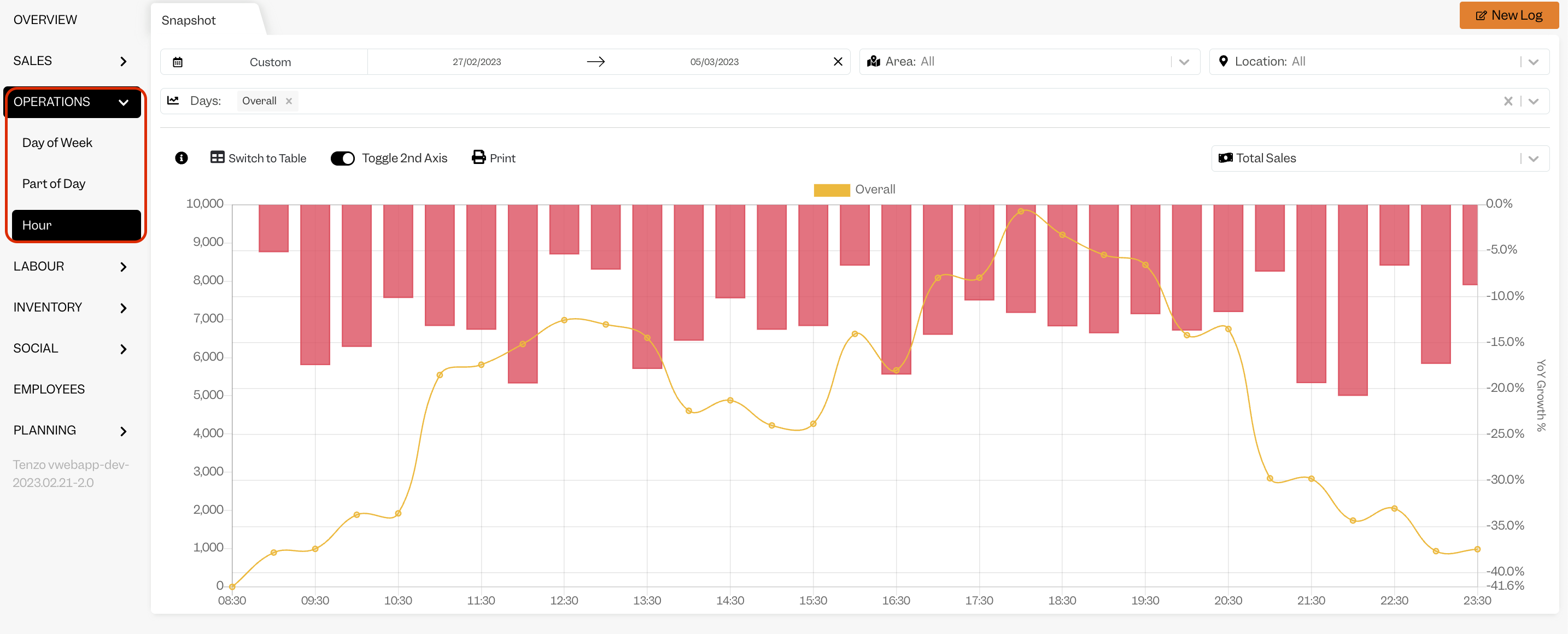
One of our most interesting Modules is our Operations by Hour Menu. This will show you how your revenue is distributed throughout the day, in the form of a chart or table that is visually very easy to read.
Note that you can also filter the results by Location, data and day of week.
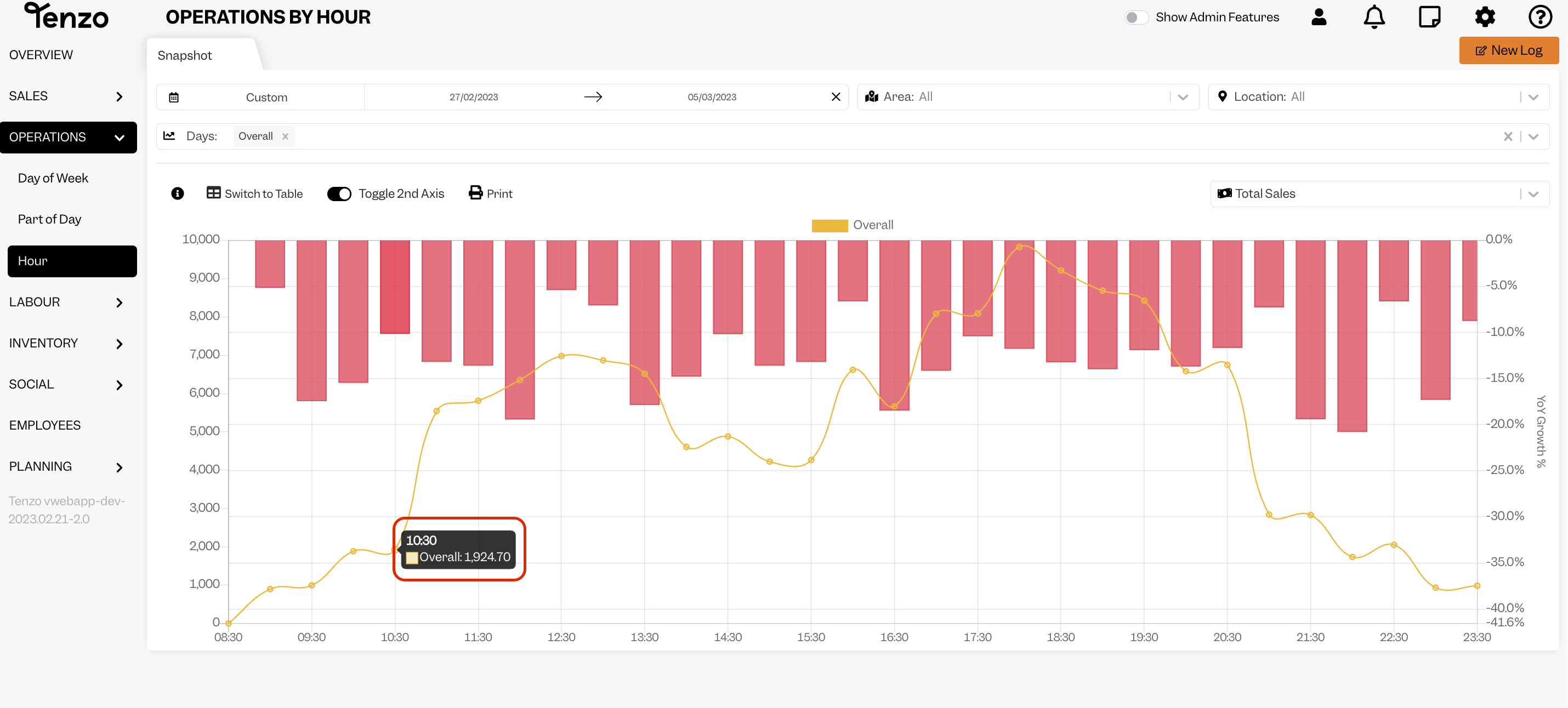
When you hover over the dot on the line graph, which represents half an hour, you will see the Revenue for that time.
Is the data coming from the opening of a ticket or from the check-out time? #
The sales are reflected based on a new ticket or transaction being opened.
Therefore the number you see for a given hour shows you the revenue of all tickets opened during that time.
Should you have any questions, please do not hesitate to drop us an email at support@gotenzo.com.
#sales #data


