
#
Having a clear structure for your Product Division and your Product Categories will give you a better view of your sales data in Tenzo.
Product Divisions sit above your Product Categories in Tenzo and show you revenue or another sales metric, from a group of multiple categories e.g. your Food Product Division could include Starters, Mains and Dessert Product Categories.
What do Product Divisions look like in Tenzo? #
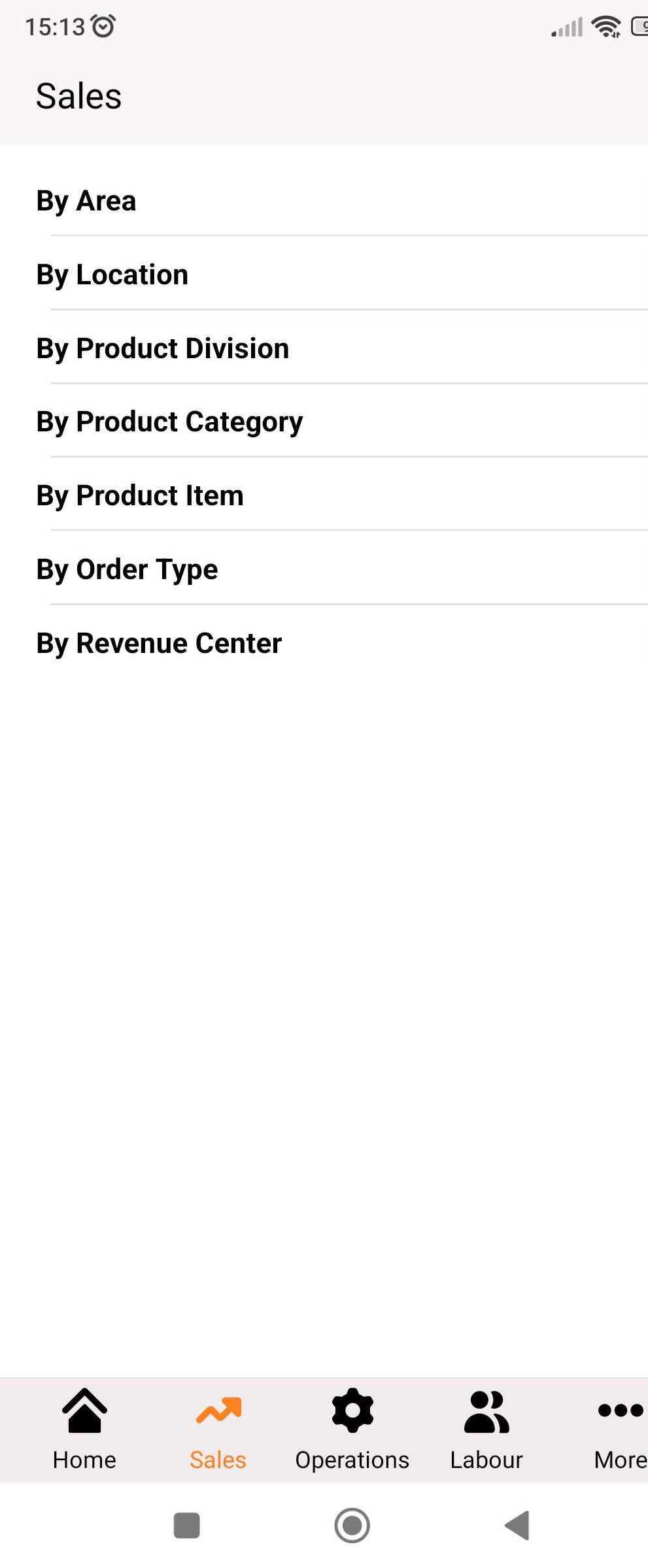
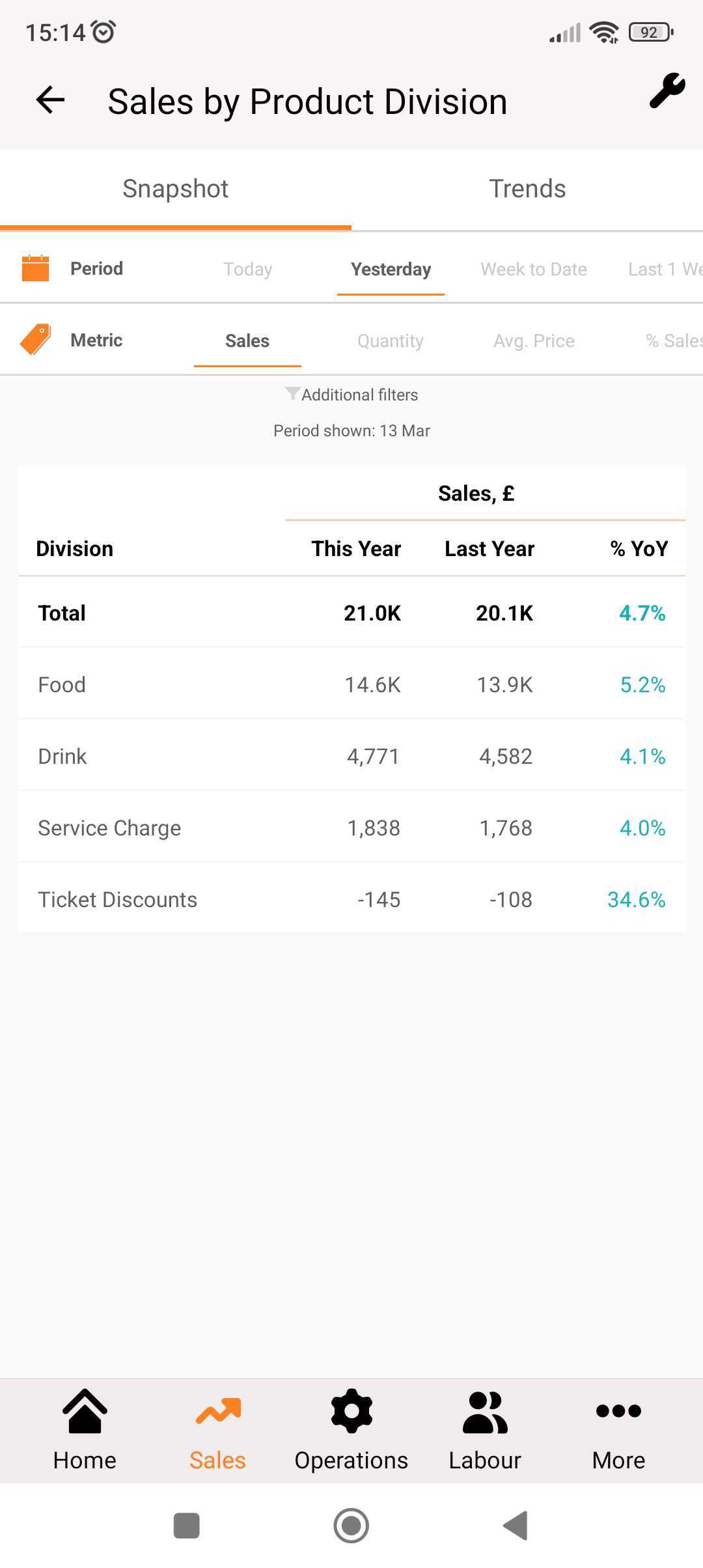
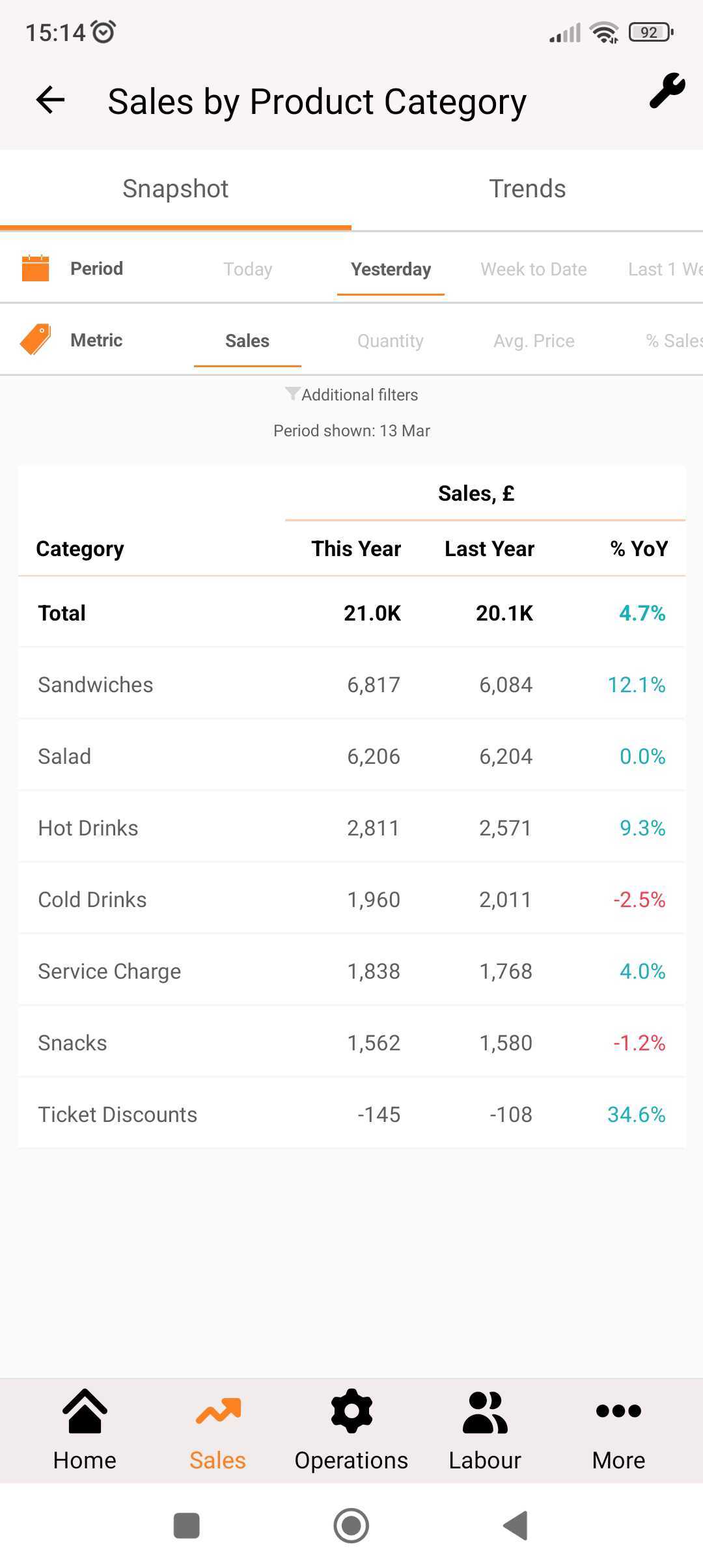
Your Product Divisions are accessible in the Sales module:
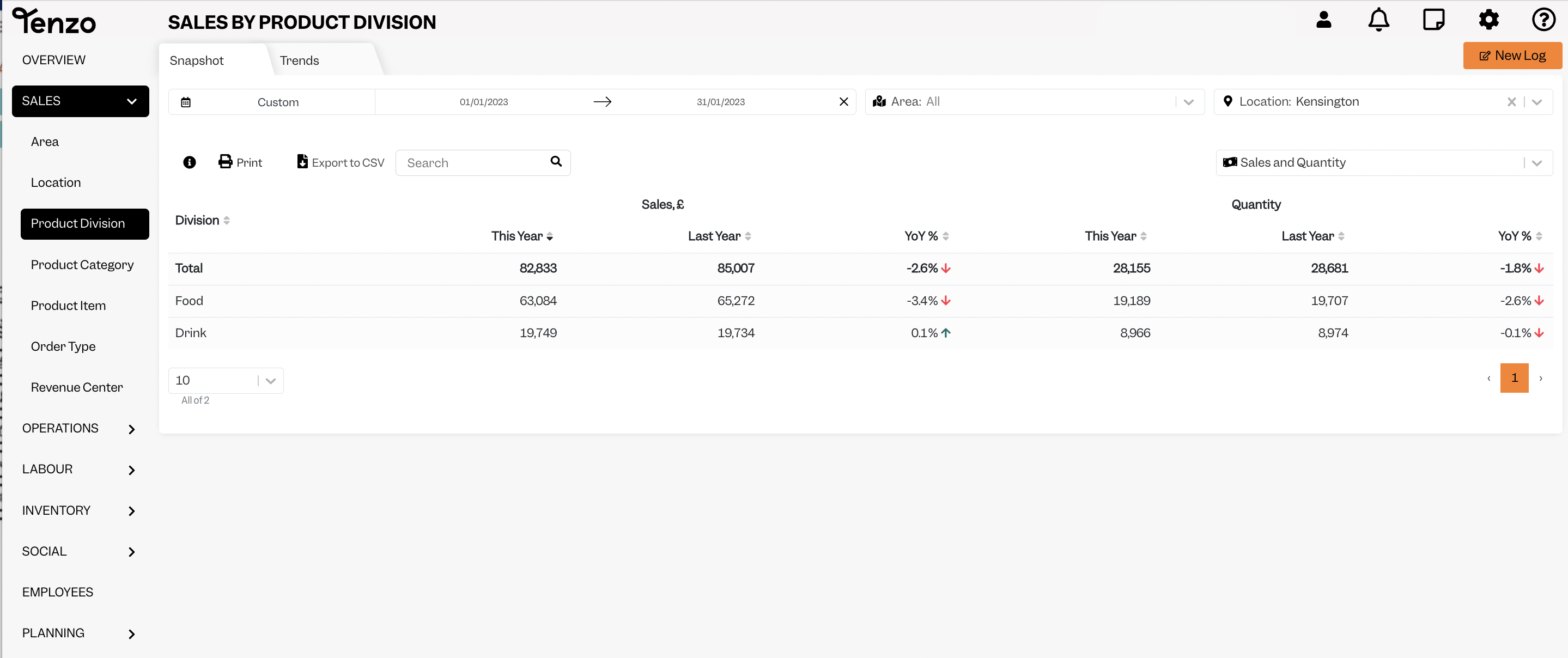
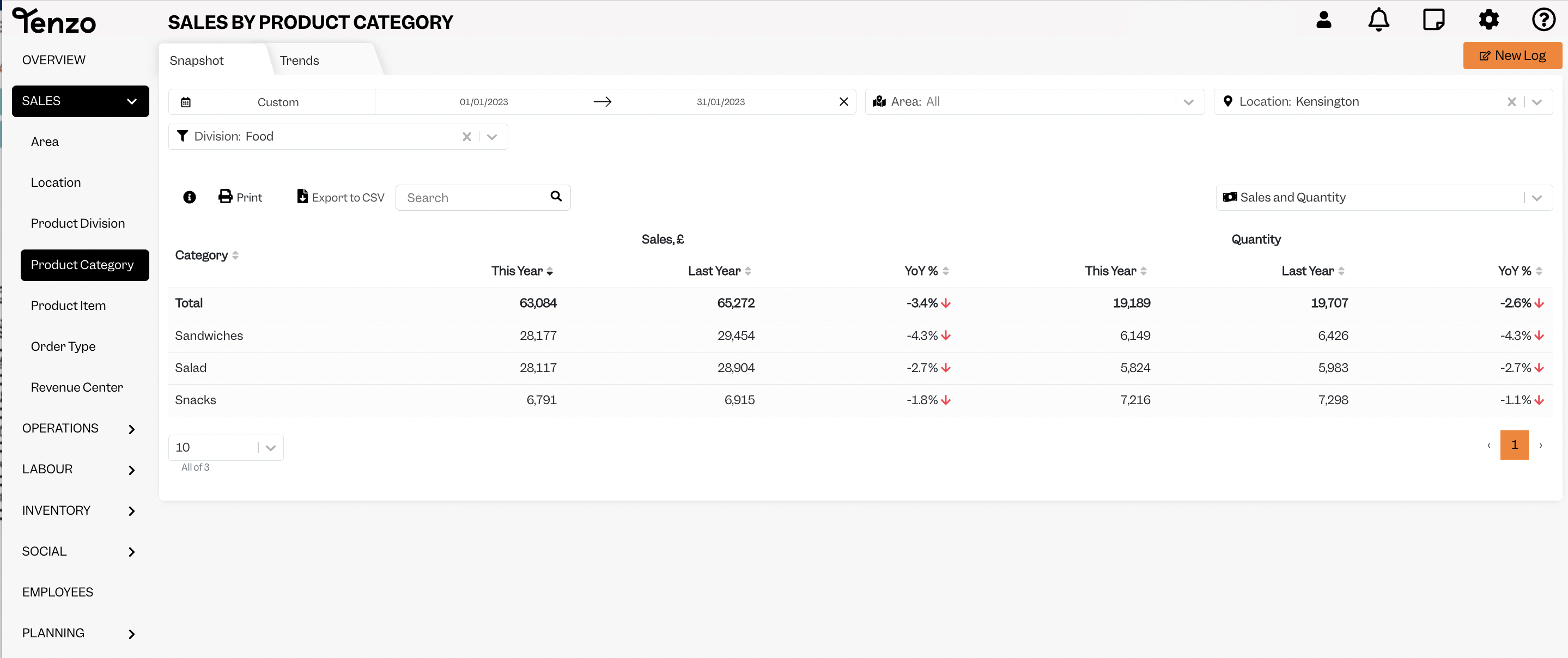
When you click a particular Product Division, for instance food, it will show the categories under that division:
How to update or create divisions in Lightspeed L #
1. Log into Lightspeed L (you need administrator access)
2. Click an individual category and then you can set the type at the bottom which will translate into a Product Division in Tenzo.
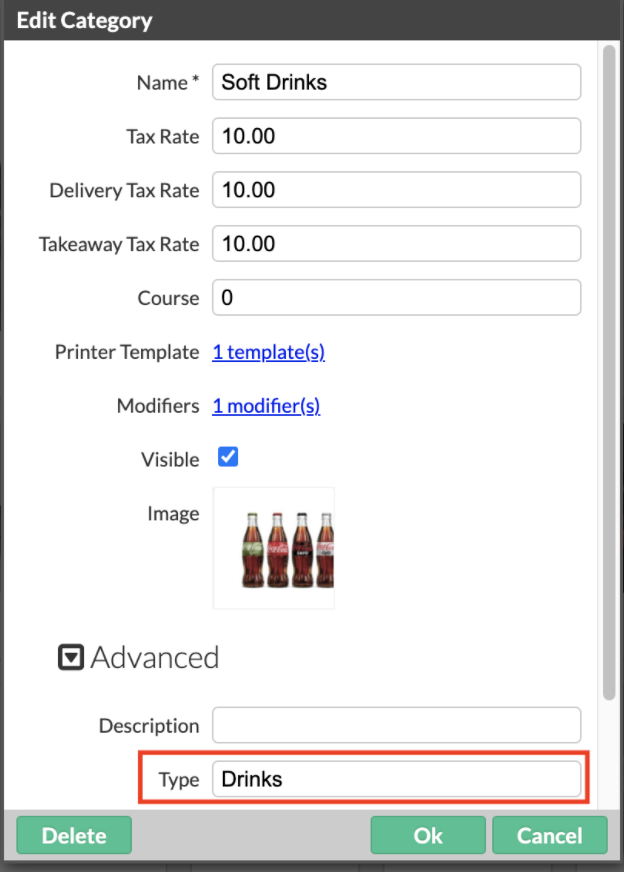
4. Give all your Categories a Type
- Make sure you use consistent naming in Types in order for Tenzo to pull these into one list as a Product Division in Tenzo.
Once you had completed this, do let your Customer Success Manager know or drop us a note at support@gotenzo.com and we will help you by refreshing your data.
#integrations #sales


