
A Workforce customer can pull sales into Workforce from their POS via Tenzo.
The following is a republishing of a guide created by Workforce. Please contact Workforce on support@tanda.co for further support with this integration.
#
Integrate with Tenzo from Workforce #
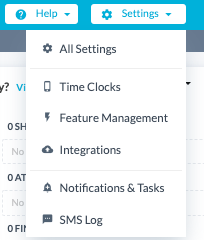
Go to: Settings > Integrations
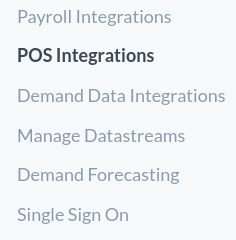
Then POS Integrations:
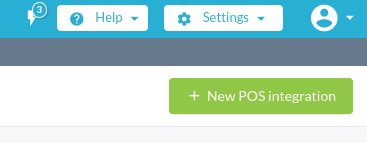
Press the + New POS integration button in the top right:
Search for ‘Tenzo’ from the available list of integrations:
Click the green ‘Connect to Tenzo’ button. A page will pop up asking you to log into your Tenzo account:
Authorize the application by clicking the blue “Authorize” button:
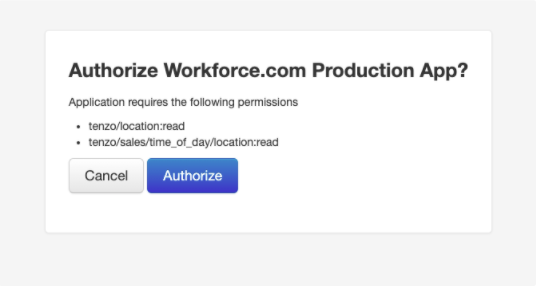
Data streams will be created in Workforce and sales data will begin to sync every 15 minutes from Tenzo!
Disconnecting the integration #
To disconnect the integration, go to Settings > Integrations > POS Integrations > “Tenzo”.
Click the “Edit Integration” button on the Tenzo tile:
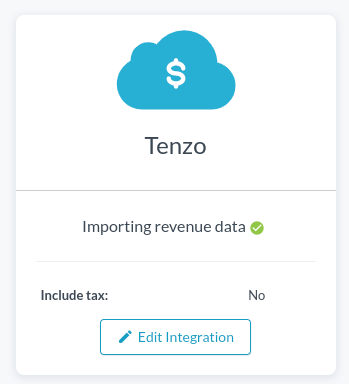
Click “Delete Integration” on the bottom right to complete the step.


