

Guide: Trail
How do core concepts map to Tenzo?
Key: ✅ Supported 🚸 Work in Progress ❌ Not supported
 |
|
|---|---|
| Location | ✅ Location |
| Score | ✅ Score |
| Status | ✅ Status |
| Task Instance | ✅ Tasks (Name, Type, etc.) |
Data Ingestion
| Real-time optionally available? | ✅ Supported |
| Default polling frequency | Hourly |
| Data retrieved on each poll | Today yesterday |
| Historical data | Available on setup; the date of the first data must be input during setup |
How do I compare Trail data to data in Tenzo?
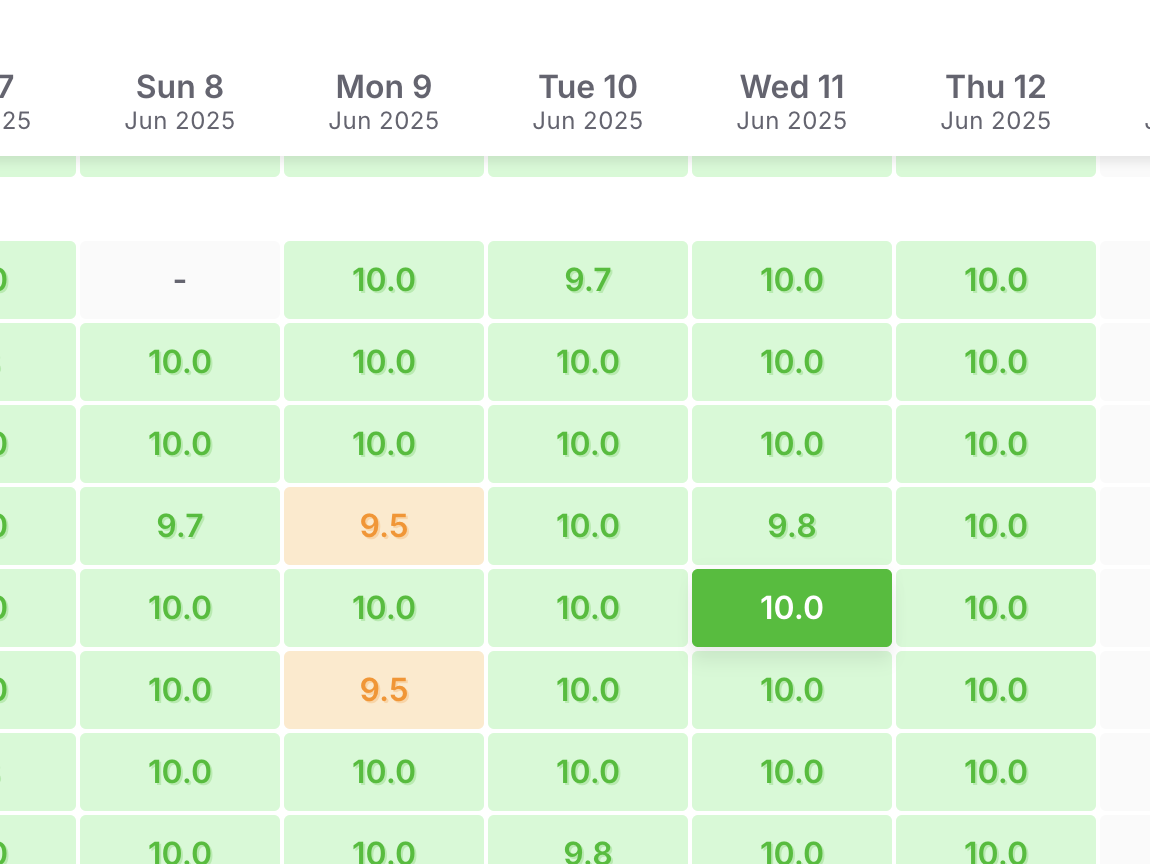
Matching Scores
We match the site scores shown on the trail home page - we include ALL status types to match this:
Matching Task Instances
The tasks being pulled in under Task Instances can be found in the Task Reports:

How the Dashboard Works
If you're looking at making more cards or adjusting the cards on the Trail dashboard then the following notes may be useful as an introduction to the logic behind the cards.
Incomplete Tasks
The Incomplete Tasks card shows any tasks that were created on Trail but have not been completed. Trail stores task completion as a simple yes/no value. On this card, we list all tasks where the completion flag is 0 (not completed) for the selected date.
By default, this card shows incomplete tasks from yesterday. If you want to see incomplete tasks for today, just change the date filter to Today.
Exceptions
None