

Access POS
How Do Core Concepts Map to Tenzo?
Key: ✅ Supported 🚸 Work in Progress ❌ Not Supported
 | |
|---|---|
| Location | ✅ |
| Order Type | ✅ |
| Revenue Center | ✅ |
| Product Item | ✅ |
| Product Category | ✅ |
| Product Division | ✅ |
| Tender Type | ❌ |
| Employee | ✅ Employee who closes the transaction |
| Customer | ❌ |
| Discount | ✅ |
| Ticket Item Discounts | ✅ |
| Ticket Discounts | ❌ |
| Ticket Item Modifiers | ❌ |
| Menu Item Size | ❌ |
| Guest Count | ✅ |
| Transaction length | ✅ (ticket open time to close time) |
| Price | ❌ |
| Menu Item Visibility | ❌ |
| KDS Bump Time | ❌ |
| Ticket Voids | ❌ |
| Ticket Item Voids | ❌ |
| Table | 🚸 |
| Service Charge | ✅ |
| Tips | ❌ (not provided by Access POS API) |
Data Ingestion
| Real-time optionally available? | No |
| Default polling frequency | Every 1 hour |
| Data retrieved on each poll | All transactions for the current and previous business day (line items and discounts; payments and modifiers are not ingested) |
| Historical data | Up to 2 years |
| Business date cutoff time is determined by the POS or Tenzo | Determined by the day cutoff in your Business Settings in Tenzo |
How Do I Compare Access POS Data to Data in Tenzo?
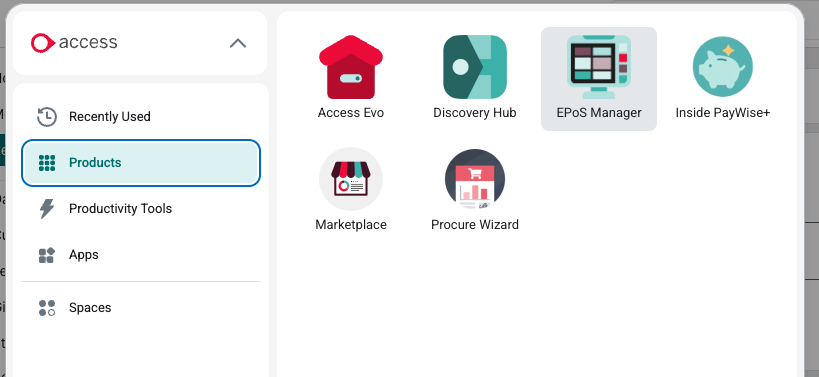
- In the navigation bar, select Access > Products > EPOS Manager
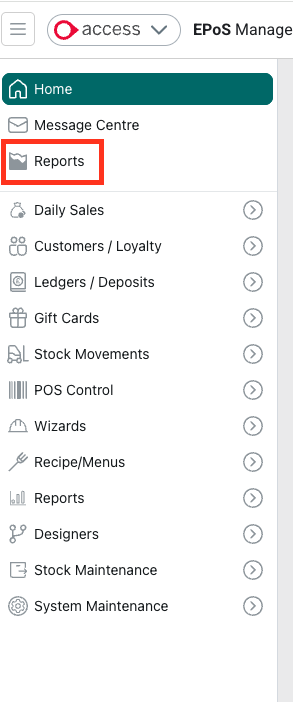
- Select Reports
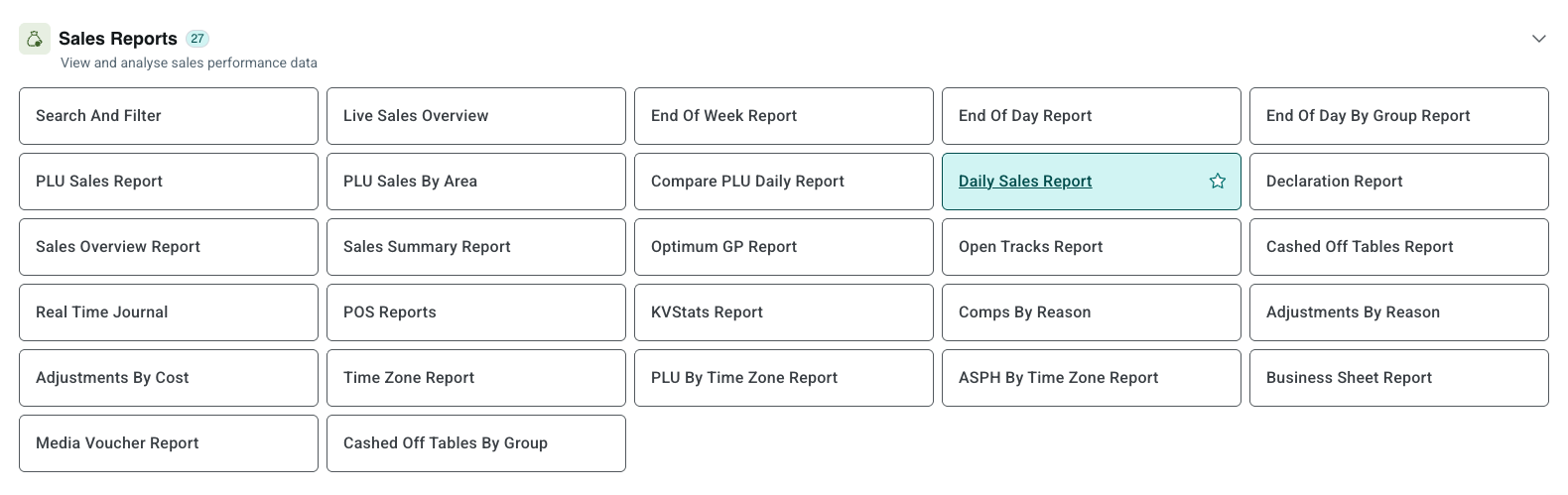
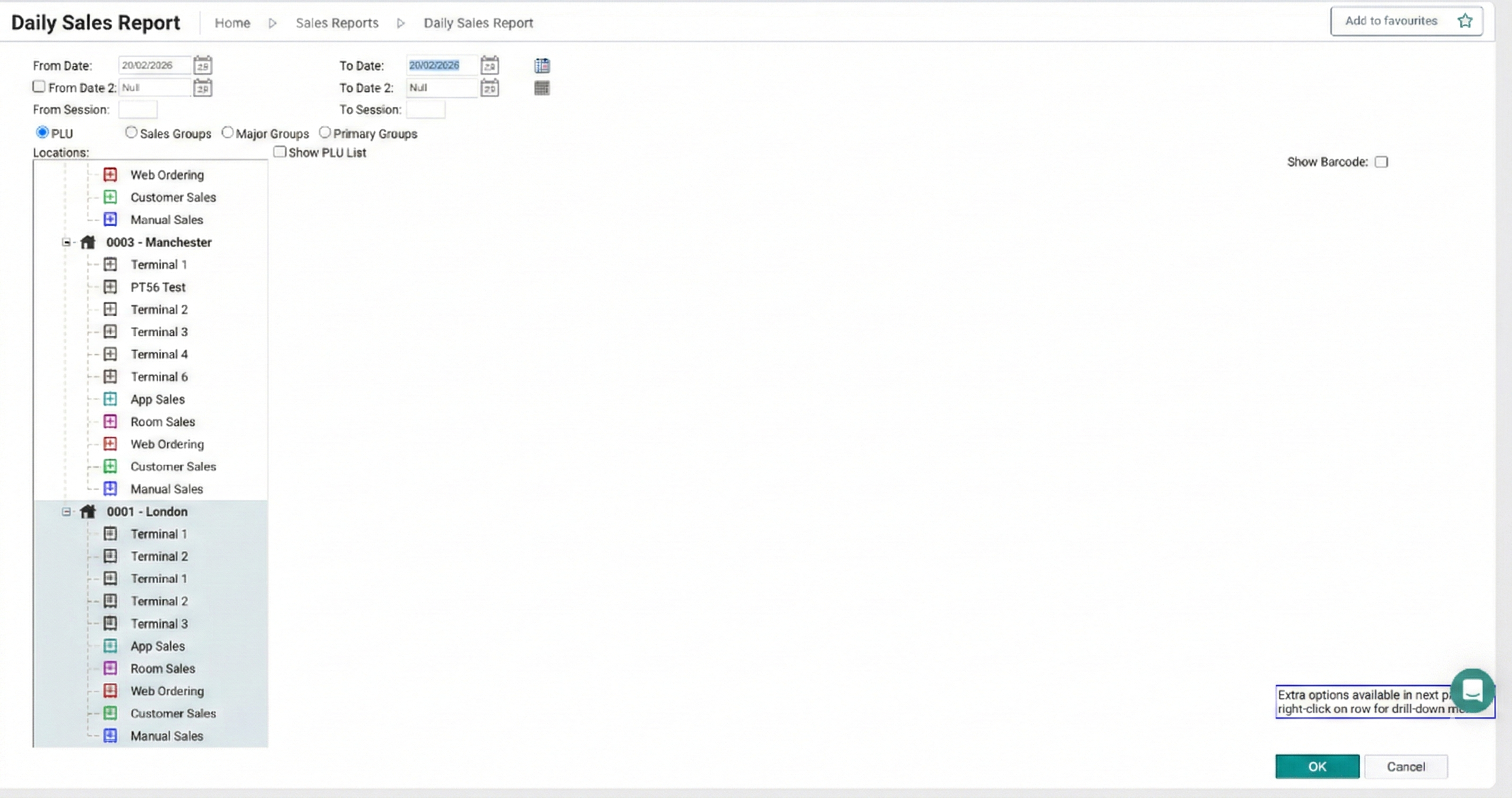
- Under Sales Reports, you have Daily Sales Report, which reports item level sales, with filters available.
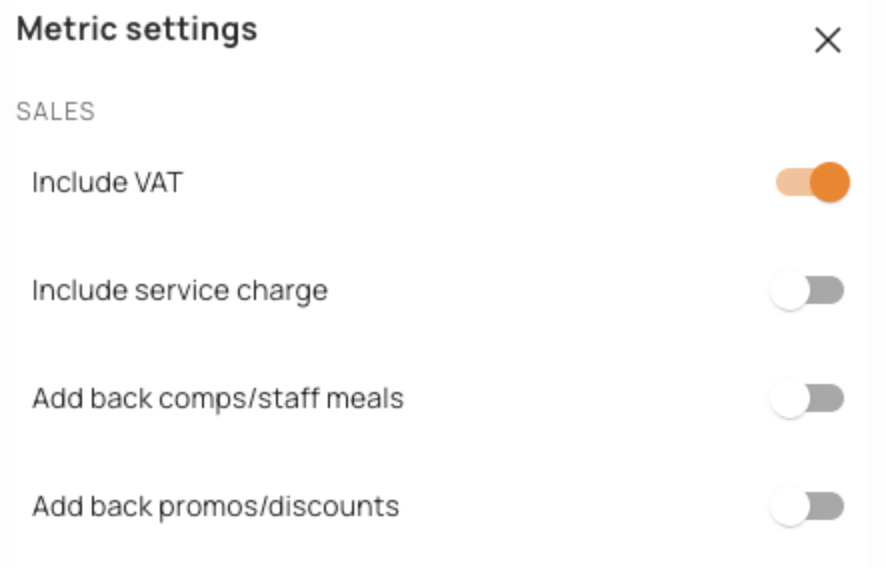
- In Tenzo enable the following settings:
- Compare this to Tenzo Sales by Location:



Exceptions
The Daily Sales Report includes 'open track' data (transactions where a table has been opened and items added but not yet cashed off).
These open transactions appear in the front-end report but are excluded from the API data, which only contains finalised transactions. This is the expected behaviour, so you may see discrepancies between the report totals and API totals when open tables exist.
#integrations