

Guide: GiveX
How Do Core Concepts Map to Tenzo?
Key: ✅ Supported 🚸 Work in Progress ❌ Not Supported
 |
|
|---|---|
| Location | ✅ Location |
| Order Type | ✅ Order_Type |
| Revenue Center | ✅ ord_channel_name |
| Product Item | ✅ Item_Name |
| Product Category | ✅ Category_Name |
| Product Division | ✅ Category_Group_Name |
| Tender Type | ✅ Payment_Method |
| Employee | ✅ Operator_Login |
| Customer | ❌ Not Supported |
| Discount (Names) | 🚸 Discounts (ticket item level) |
| TicketItemDiscounts (Amounts) | ✅ Ticket item level discounts |
| TicketDiscounts (Amounts) | ❌ Not Supported |
| Guest Count | ❌ Not Supported |
| Transaction length | ✅ Closing_Time - Opening_TIme |
| KDS Bump Time | ❌ Not Supported |
| Ticket Voids | ❌ Not Supported |
| Ticket Item Voids | ❌ Not Supported |
| Table | ✅ Table_Num |
| Service Charge | ❌ Not Supported |
| Tips | ✅ Total_Tip |
| Ticket Item Modifiers | ✅ |
| Price | ✅ |
| Menu Item Visibility | ❌ Not Supported |
| Menu Item Size | ❌ Not Supported |
Data Ingestion
| Real-time optionally available? | ❌ (depends on how often Givex sends files) |
| Default polling frequency | Every 20 minutes (Tenzo checks the SFTP folder for new files from Givex) |
| Data retrieved on each poll | All files Givex has sent since the last run |
| Historical data | All data since you started using your POS |
How Do I Compare GiveX Data to Data in Tenzo?
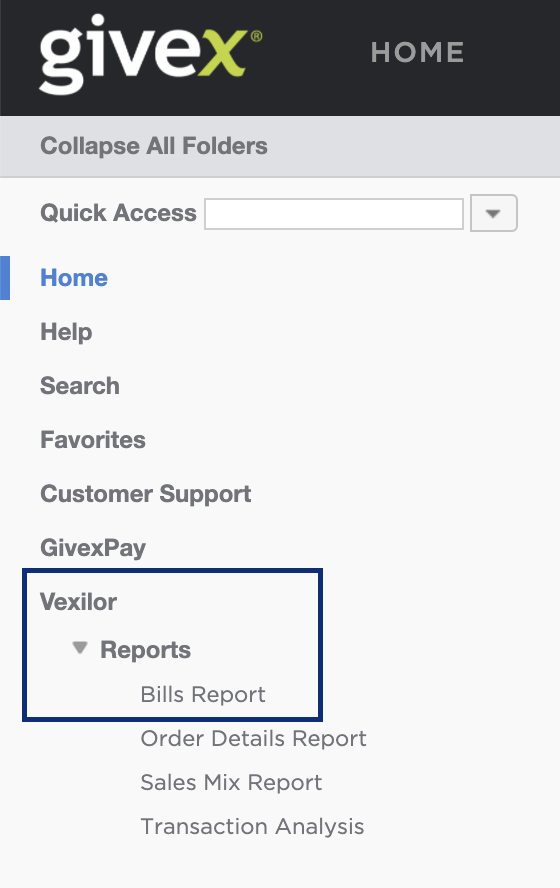
Within GiveX Side Menu click on Vexilor > Reports > Bills Reports
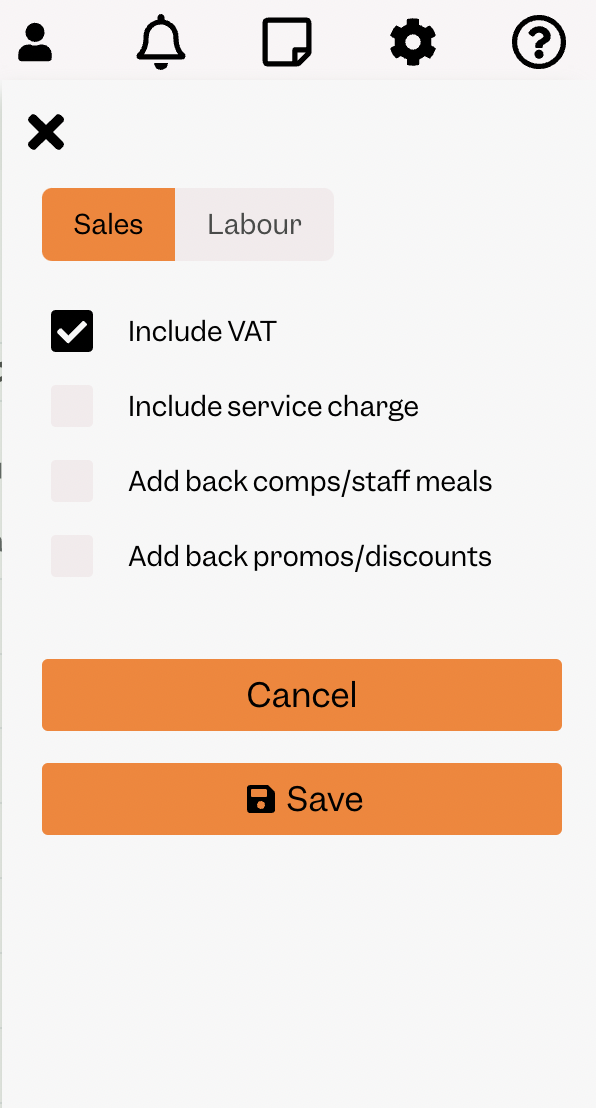
To match Tenzo, you MUST have your settings set to INCLUDE tax only.
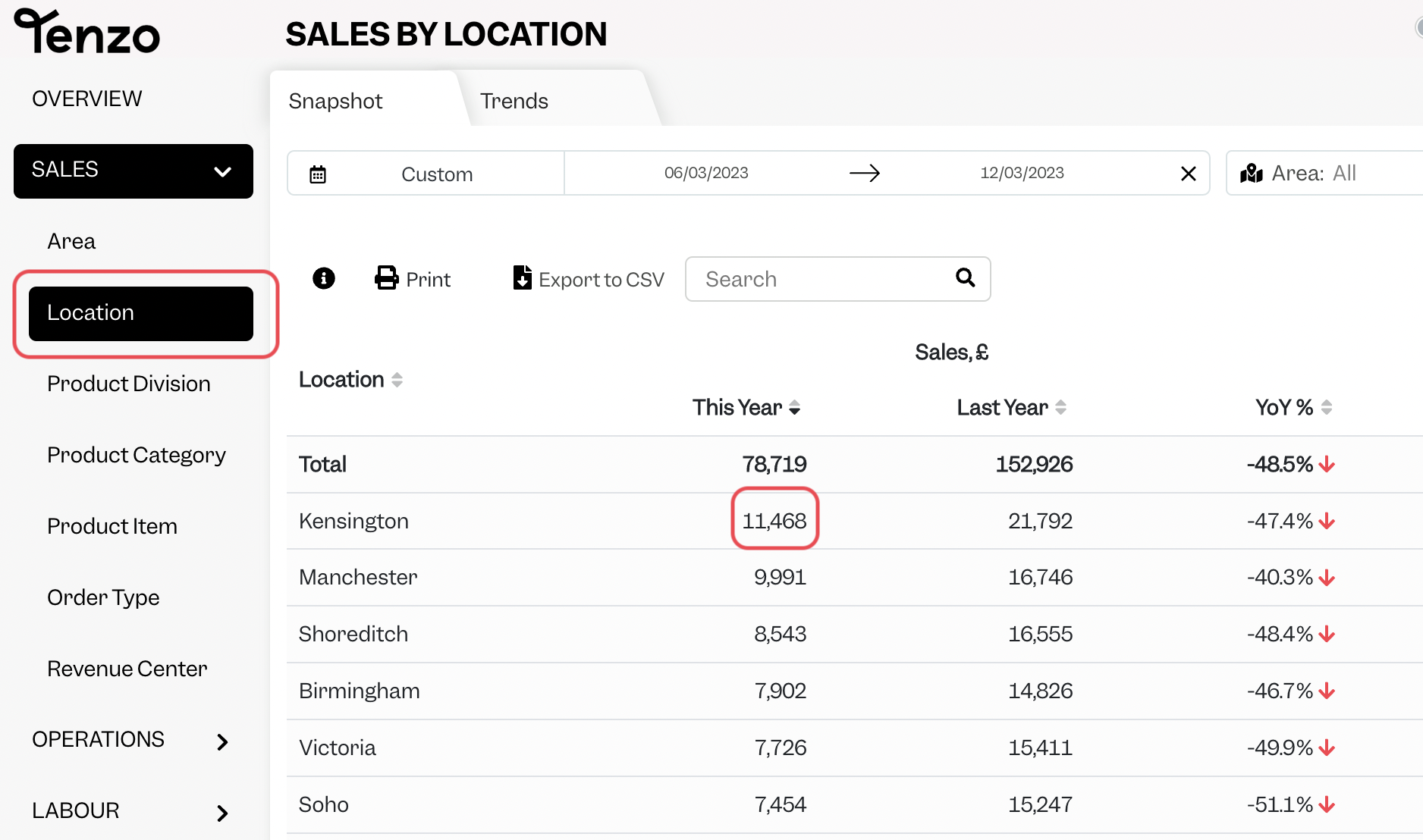
You will then be able to see the same number by selecting one day within Tenzo’s “Sales by Location” view compared to total_payment in Givex.
Exceptions
None