

Guide: Shopwave
How Do Core Concepts Map to Tenzo?
Key: ✅ Supported 🚸 Work in Progress ❌ Not Supported
 |
|
|---|---|
| Location | ✅ Store |
| Order Type | ❌ Not Supported |
| Revenue Center | ✅ |
| Product Item | ✅ Product |
| Product Category | ✅ Category |
| Product Division | ✅ Category Parent |
| Tender Type | ✅ Payment Type |
| Employee | ✅ Employee |
| Customer | ❌ Not Supported |
| Discount (Names) | ❌ Not Supported |
| TicketItemDiscounts (Amounts) | ✅ Promotions |
| TicketDiscounts (Amounts) | ✅ Promotions |
| TicketItemModifiers | ❌ Not Supported |
| Guest Count | ❌ Not Supported |
| Transaction Length | ✅ Opened Time - Closed Time |
| KDS Bump Time | ❌ Not Supported |
| Ticket Voids | ❌ Not Supported |
| Ticket Item Voids | ❌ Not Supported |
| Table | ❌ Not Supported |
| Service Charge | ✅ Service Charge |
| Tips | ❌ Not Supported |
| Price | ❌ Not Supported |
| Menu Item Visibility | ❌ Not Supported |
| Menu Item Size | ❌ Not Supported |
Data Ingestion
| Real-time optionally available? | ❌ |
| Default polling frequency | Files sent by Shopwave are processed within 20 minutes of arrival |
| Data retrieved on each poll | The dates of business covered by the files received (one file set per location per day) |
| Historical data | All data since you started using your POS |
| Data received per day or continuous | Per Day |
How Do I Compare Shopwave Data to Data in Tenzo?
You can find “Net Sales” in the Sales Breakdown By Store report in Shopwave:
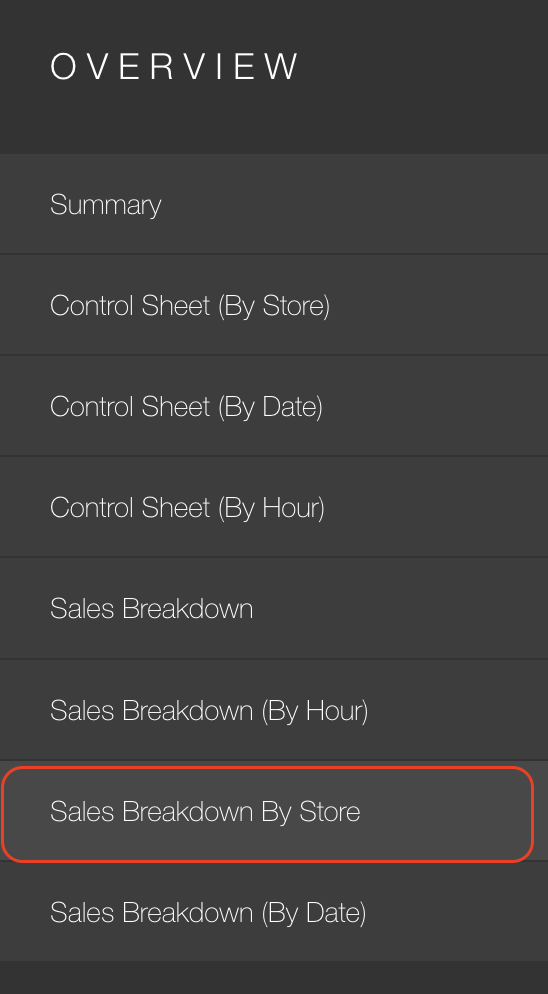
This can be compared with Sales → Location in Tenzo, when excluding tax and service charge.
Exceptions
- Tenzo adds back ticket discounts and ticket item discounts. Shopwave adds back ticket discounts only. Due to this there may be a mismatch.