

Guide: Harri Write - sending Tenzo sales into Harri
How Do Core Concepts Map to Tenzo?
Key: ✅ Supported 🚸 Work in Progress ❌ Not Supported
 |
|
|---|---|
| Sales | ✅ Sales |
| Daily Forecasts | ✅ Daily Forecasts |
| Hourly Forecasts | ✅ Hourly Forecasts |
Data Ingestion
| Real-time optionally available? | ✅ |
| Default polling frequency | Sales: every hour. Forecasts: once a day |
| Data written on each poll | Sales pushed for today only (15-minute buckets); forecasts pushed for today and the next 7 days |
| Historical data | Historical sales are not sent: sales are pushed for today only. Forecasts are sent from the start date you enter at setup. |
Requirements
When setting up Harri Write you will need to get your Tenzo CSM to ask for the following details from Harri:
-
SFTP server/port/username/password
-
List of store IDs
-
Vendor ID
-
Group ID
How Do I Compare Harri Write Data to Data in Tenzo?
Settings
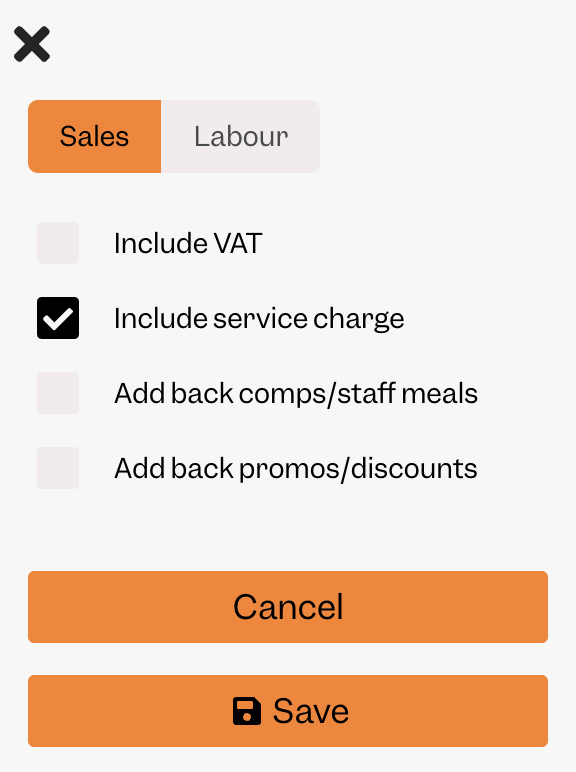
You can choose when setting up the integration which sales numbers to automatically push into Harri. Selecting "paid_no_tax" will match to these settings in Tenzo:
Actual Sales
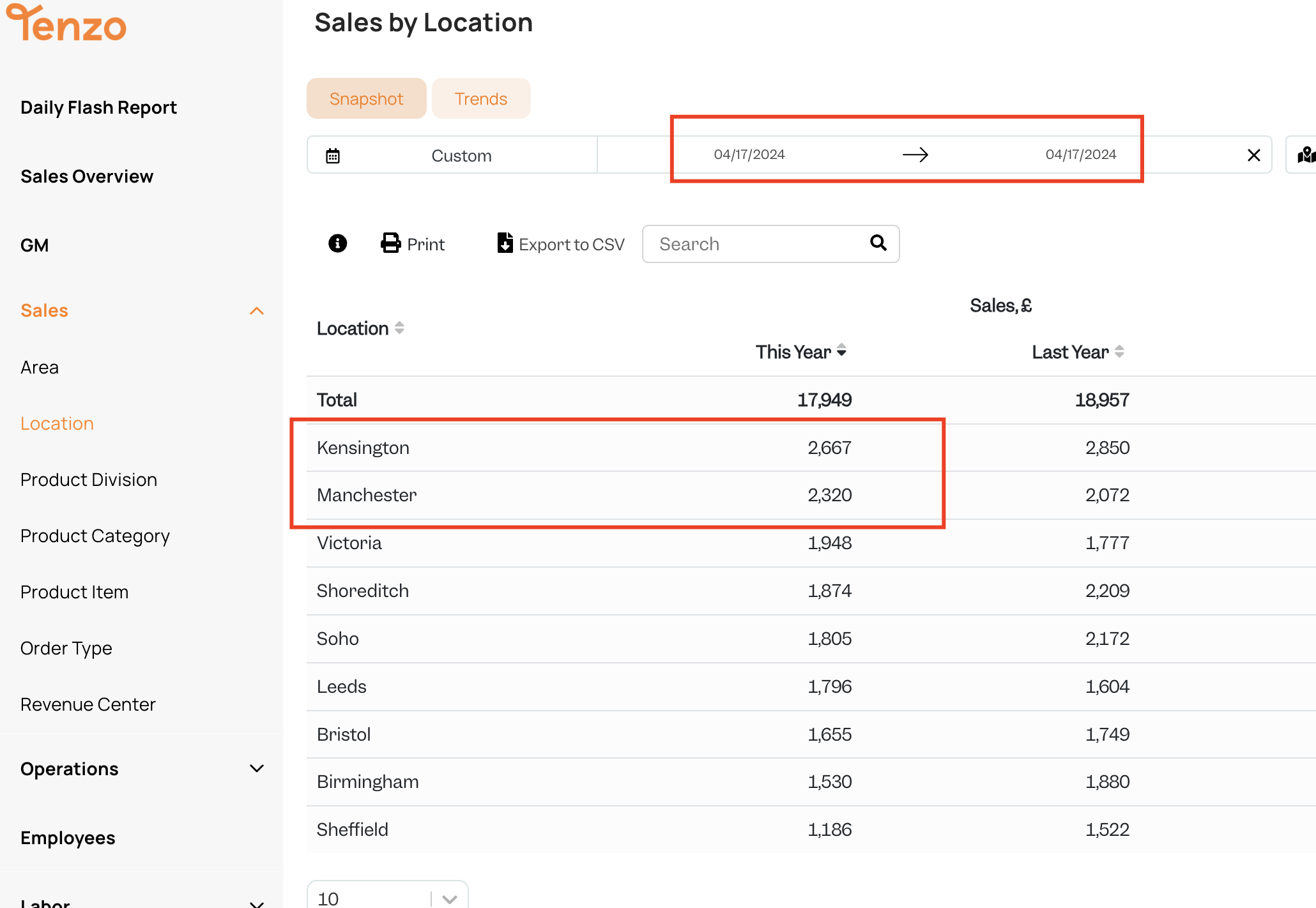
If you are pushing in actual sales - you can find the number in Tenzo in the "Sales by Location" report or many of our common cards.
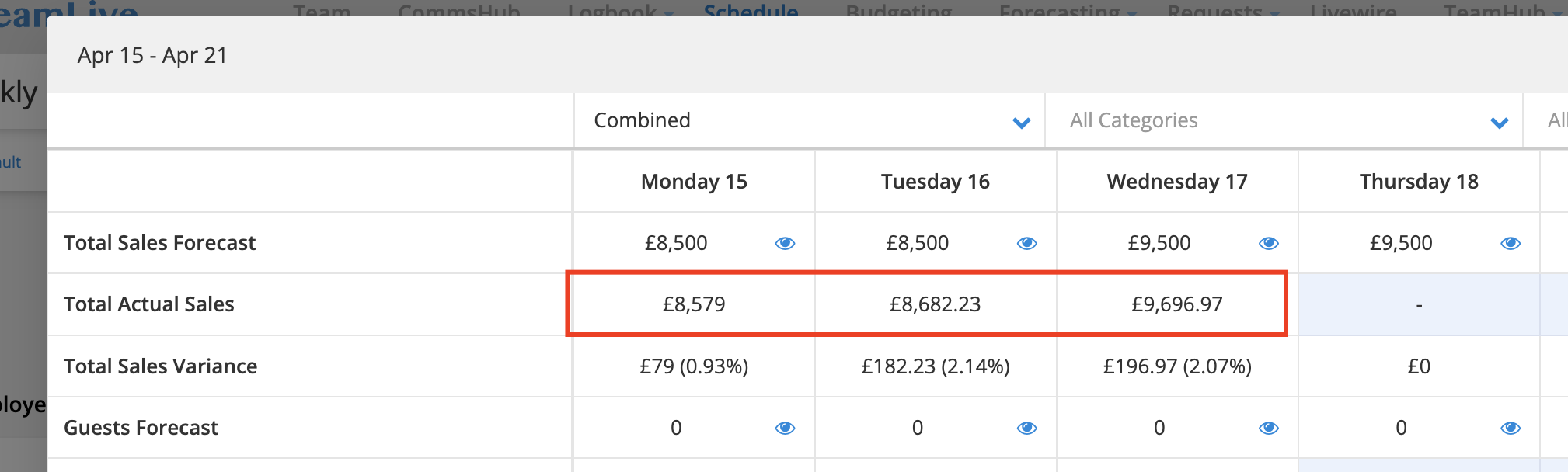
Where in Harri Do You See Your Actual Sales?
You will then be able to view your Tenzo Hourly Sales in the schedule view within Harri - for example here:
Exceptions
None.