

Guide: Oracle Simphony - SFTP
This guide covers the Oracle Simphony GL Export integration, where Simphony sends its GL Export files to Tenzo over SFTP. If you connect via the Simphony API instead, see the guide "Oracle Simphony - API".
How Do Core Concepts Map to Tenzo?
Key: ✅ Supported 🚸 Work in Progress ❌ Not Supported
 |
|
|---|---|
| Location | ✅ GLID - Store Name |
| Order Type | ✅ OT - Name |
| Revenue Center | ✅ SUM - Revenue Center Name |
| Product Item | ✅ MNPR - Menu Item Name |
| Product Category | ✅ MNPR - Family Group Name |
| Product Division | ✅ MNPR - Major Group Name |
| Tender Type | ✅ TND - Tender Name |
| Employee | ✅ CMI - Tender Employee First & Last Name |
| Customer | ❌ Not Supported |
| Discount | ✅ DSC - Discount Name |
| TicketItemDiscounts | 🚸 Linked to the discounted menu item on the check, not to a specific item line |
| TicketDiscounts | ✅ CDSC - Discount Name |
| TicketItemModifiers | ❌ Not Supported |
| Guest Count | ✅ CHDR - Number of Guests |
| Transaction length | ✅ CHDR - Check Open & Close Time |
| KDS Bump Time | ❌ Not Supported |
| Ticket Voids | ❌ Not Supported |
| Ticket Item Voids | ✅ CMI - Is Void Flag |
| Table | ✅ CHDR - Table Reference |
| Service Charge | ✅ CHDR - Service Charge Total |
| Tips | ✅ CHDR - Tip Total |
| Price | ✅ Price from menu items |
| Menu Item Visibility | ❌ Not Supported |
| Menu Item Size | ❌ Not Supported |
Data Ingestion
| Real-time optionally available? | ❌ (depends on the export files) |
| Default polling frequency | Hourly (Tenzo checks the SFTP folder for new GL Export files; how often files arrive is set in the Simphony R&A export schedule) |
| Data retrieved on each poll | Today and yesterday (the business dates in the delivered files) |
| Historical data | As much as has been exported |
| Business date cutoff time is determined by the POS or Tenzo | Tenzo |
Requirements
The requirements for the Oracle Simphony - General Ledger integration are:
- Oracle Reporting and Analytics version 18.2.9 or higher (e.g. 20.1).
The version number can be found at the bottom left of your Reporting & Analytics WebApp:

How Do I Compare Oracle Simphony Data to Data in Tenzo?
The Tenzo Sales module matches the Daily Operations report in Oracle.
In Tenzo you need to have Tax included in the settings:
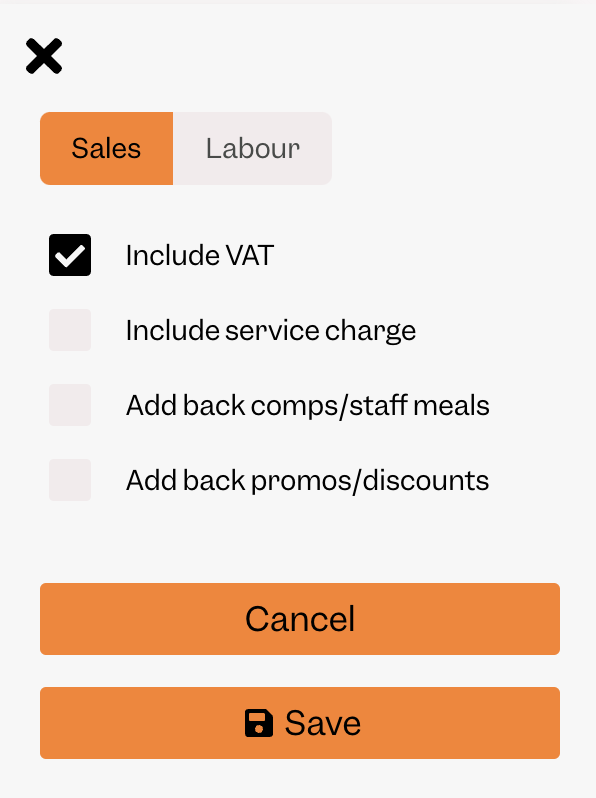
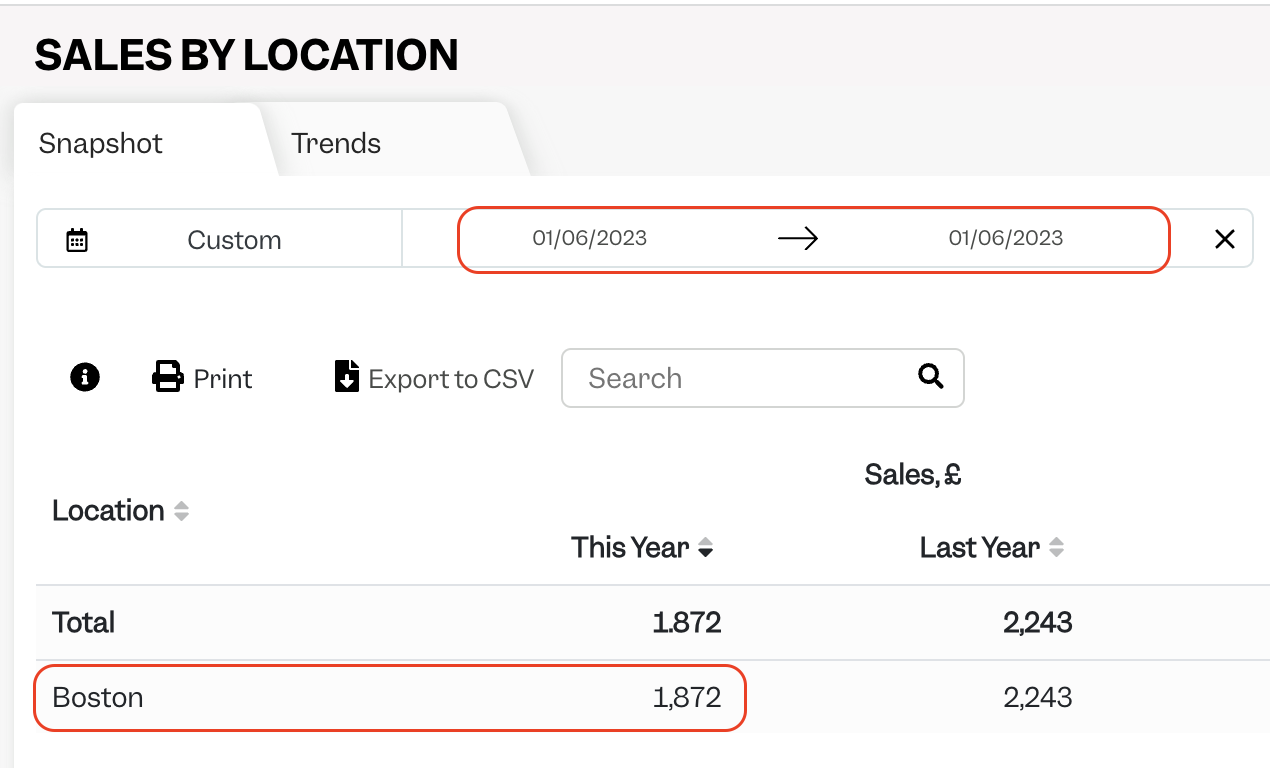
Tenzo matches to the Daily Operations report in Simphony. This can be found by navigating to Library, then searching for Daily Operations.

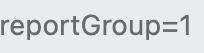
There can be reports with the same name. The correct report is the one with reportGroup=1 in the URL:
In this report Tenzo matches the Net Sales number:
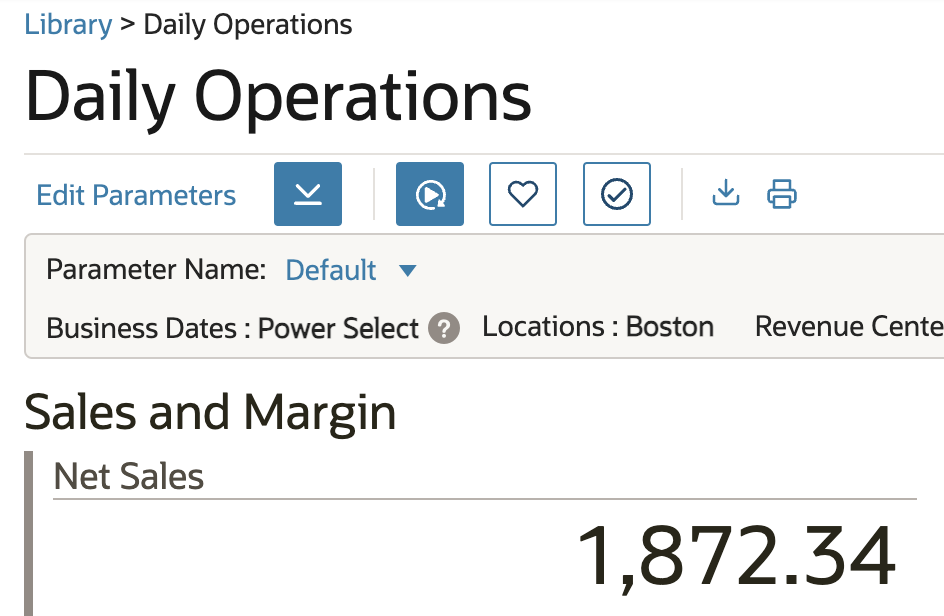
Note: The difference between Net Sales and Gross Sales in Oracle is Item Discounts. The Net Sales number includes tax.
Exceptions
Tenzo displays data on the day the transaction is opened. Occasionally there may be transactions which are closed a few days later so there could be a mismatch in this instance, although this is rare.
This can also be true with discounts. Tenzo records data on the day the transaction is opened. If there is a discount applied the next day then the original transaction will still be present on the original day. The discount will be applied on the day after. When reviewing both days together, the transaction will have the aggregated discount applied.