

Guide: Tripleseat Beta
How Do Core Concepts Map to Tenzo?
Key: ✅ Supported 🚸 Work in Progress ❌ Not Supported
 |
|
|---|---|
| Location | ✅ Location |
| Order Type | ❌ Not Supported |
| Revenue Center | ✅ Room |
| Product Item | ❌ Not Supported |
| Product Category | ❌ Not Supported |
| Product Division | ❌ Not Supported |
| Tender Type | ❌ Not Supported |
| Employee | ❌ Not Supported |
| Customer | ✅ Account |
| Discount | ❌ Not Supported |
| Ticket Item Discounts | ❌ Not Supported |
| Ticket Discounts | ❌ Not Supported |
| Ticket Item Modifiers | ❌ Not Supported |
| Menu Item Size | ❌ Not Supported |
| Guest Count | ✅ Guest Count |
| Transaction length | ✅ Event start/end |
| KDS Bump Time | ❌ Not Supported |
| Ticket Voids | ❌ Not Supported |
| Ticket Item Voids | ❌ Not Supported |
| Table | ❌ Not Supported |
| Service Charge | ❌ Not Supported |
| Tips | ❌ Not Supported |
| Reservation Paid (reservations table) | ✅ Actual Amount / Grand Total |
| Status (reservations table) | ✅ Lost / Definite / Tentative |
| Source (reservations table) | ✅ Booking creator email |
| Special Requests / Tags (reservations table) | ❌ Not Supported |
| Price / Menu Item Visibility | ❌ Not Supported — each event is recorded as a single 'Tripleseat Event' item |
Data Ingestion
| Reservation | ✅ Event |
| Number of Guests | ✅ Guest Count |
| No Show | ❌ Not Supported — lost events are recorded as cancellations |
| Customer | ✅ Account |
| Revenue Center | ✅ Room |
Data Ingestion
| Real-time optionally available? | ✅ |
| Default polling frequency | Sales: every 20 minutes Reservations: Hourly |
| Data retrieved on each poll | Sales: yesterday and today Reservations: yesterday + forward 2 weeks |
| Historical data | Yes, since you started using the platform |
| Business date cutoff time is determined by the POS or Tenzo | Tripleseat: each event is dated by its event start date |
How Do I Compare Triplesat Data to Data in Tenzo?
Sales
Within the "Reports" section you can use these reports to match sales:
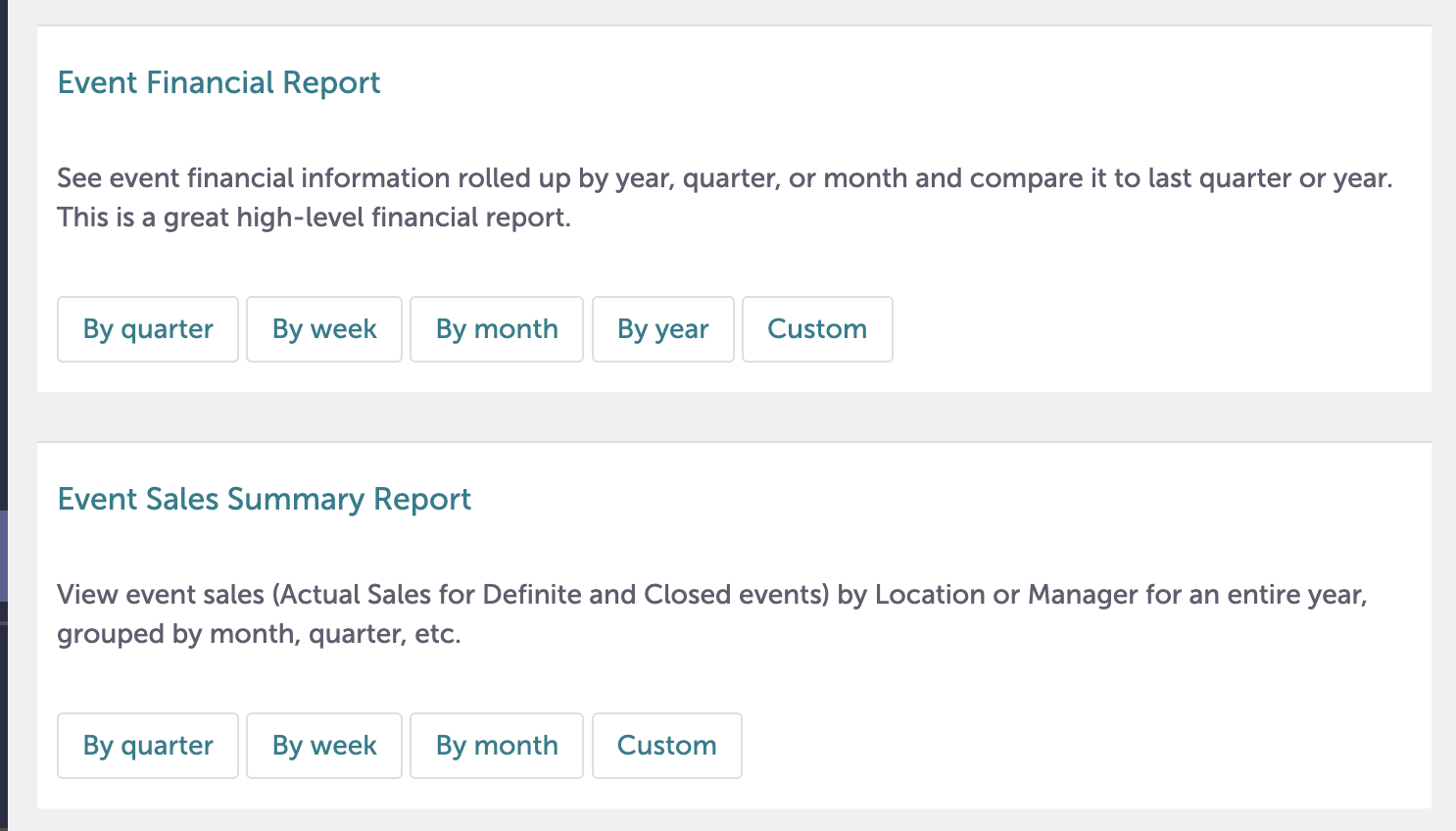
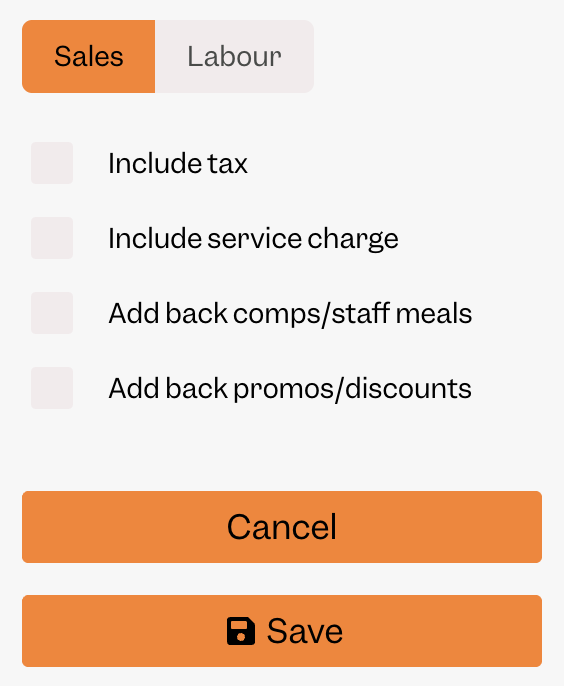
Typically it will match Sales with the following settings in Tenzo:
Reservations
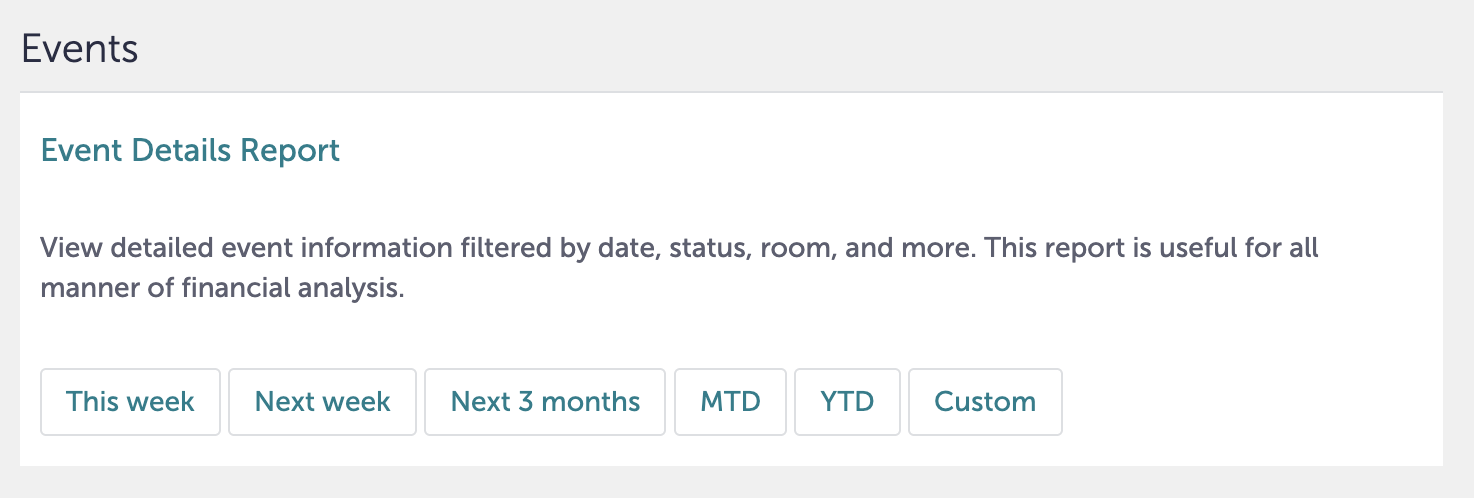
Reserved guest count in Tenzo will match the number of guests shown in this report in Tripleseat:
Exceptions
None