

Guide: SpotOn
How Do Core Concepts Map to Tenzo?
Key: ✅ Supported 🚸 Work in Progress ❌ Not Supported
 |
|
|---|---|
| Location | ✅ Location |
| Order Type | ✅ Order Type |
| Revenue Center | ❌ Not Supported |
| Product Item | ✅ Menu Item |
| Product Category | ✅ Report Category |
| Product Division | ✅ Report Category Parent |
| Tender Type | ✅ Payment Option |
| Employee | ✅ Employee |
| Customer | ❌ Not Supported |
| Discount (Names) | ✅ Sale Item: Discount groups selected at setup |
| TicketItemDiscounts (Amounts) | ✅ Sale Item |
| TicketDiscounts (Amounts) | ❌ Not Supported |
| TicketItemModifiers | ✅ Item Modifiers |
| Guest Count | ✅ Guests |
| Transaction length | ✅ Created Time - Closed Time |
| KDS Bump Time | ❌ Not Supported |
| Ticket Voids | ✅ Deleted |
| Ticket Item Voids | ❌ Not Supported |
| Table | ✅ Table |
| Service Charge | ✅ Gratuity |
| Tips | ✅ Tip (on the payment) |
| Price | ✅ Price from menu items |
| Menu Item Visibility | ❌ Not Supported |
| Menu Item Size | ❌ Not Supported |
Data Ingestion
| Real-time optionally available? | ✅ |
| Default polling frequency | Hourly |
| Data retrieved on each poll | Today and yesterday |
| Historical data | ❌ Only the last 90 days (SpotOn's API limit) |
How Do I Compare SpotOn Data to Data in Tenzo?
Within SpotOn in the “Daily Sales Recap”:
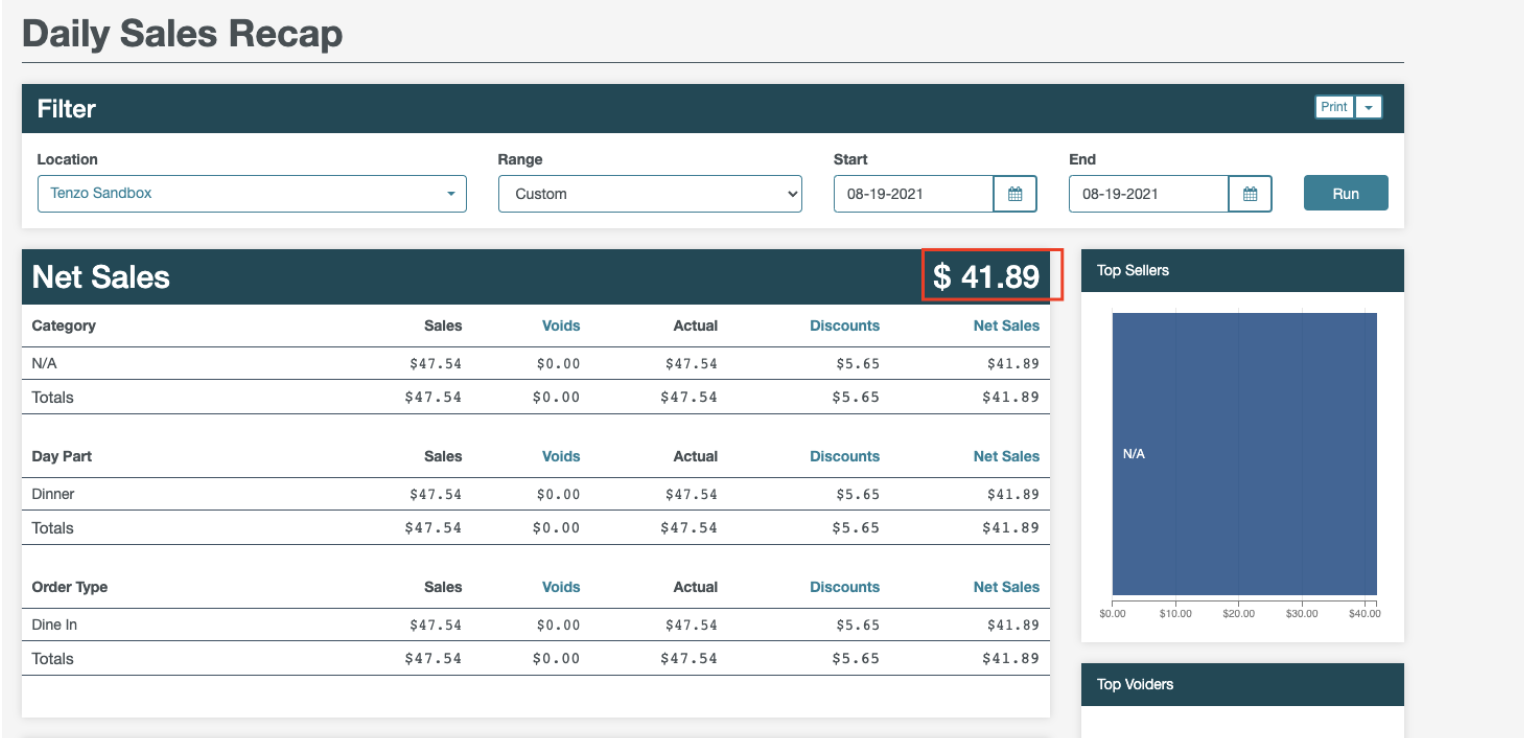
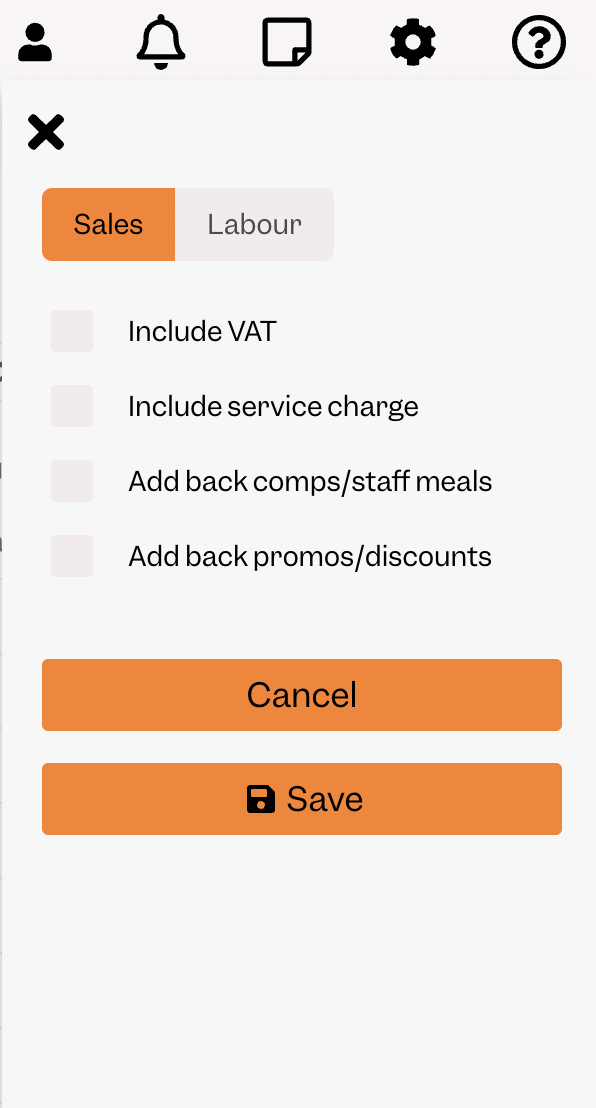
You can compare the net sales number to the number in Tenzo without including tax, or service charges:
Exceptions
Note: both sub items and items are stored as “POSTicketItems” within Tenzo.