

Guide: 125 Data & Insights (Feed It Back)
How Do Core Concepts Map to Tenzo?
Key: ✅ Supported 🚸 Work in Progress ❌ Not Supported
 |
|
|---|---|
| Location | ✅ Location |
| Review | ✅ Review |
| Sub Ratings | ✅ Sub Ratings |
| Link to Content | ✅ |
Data Ingestion
| Real-time optionally available? | ❌ |
| Default polling frequency | 125 sends one file per day over SFTP. Tenzo checks for new files every 20 minutes. |
| Data retrieved on each poll | All reviews in the daily file, dated by date of visit |
| Historical data | All data |
Requirements
This integration requires the 'Reviews Pro' package in Tenzo.
How Do I Compare Data to Data in Tenzo?
On 125 navigate to the Extract data page. Select all data sources.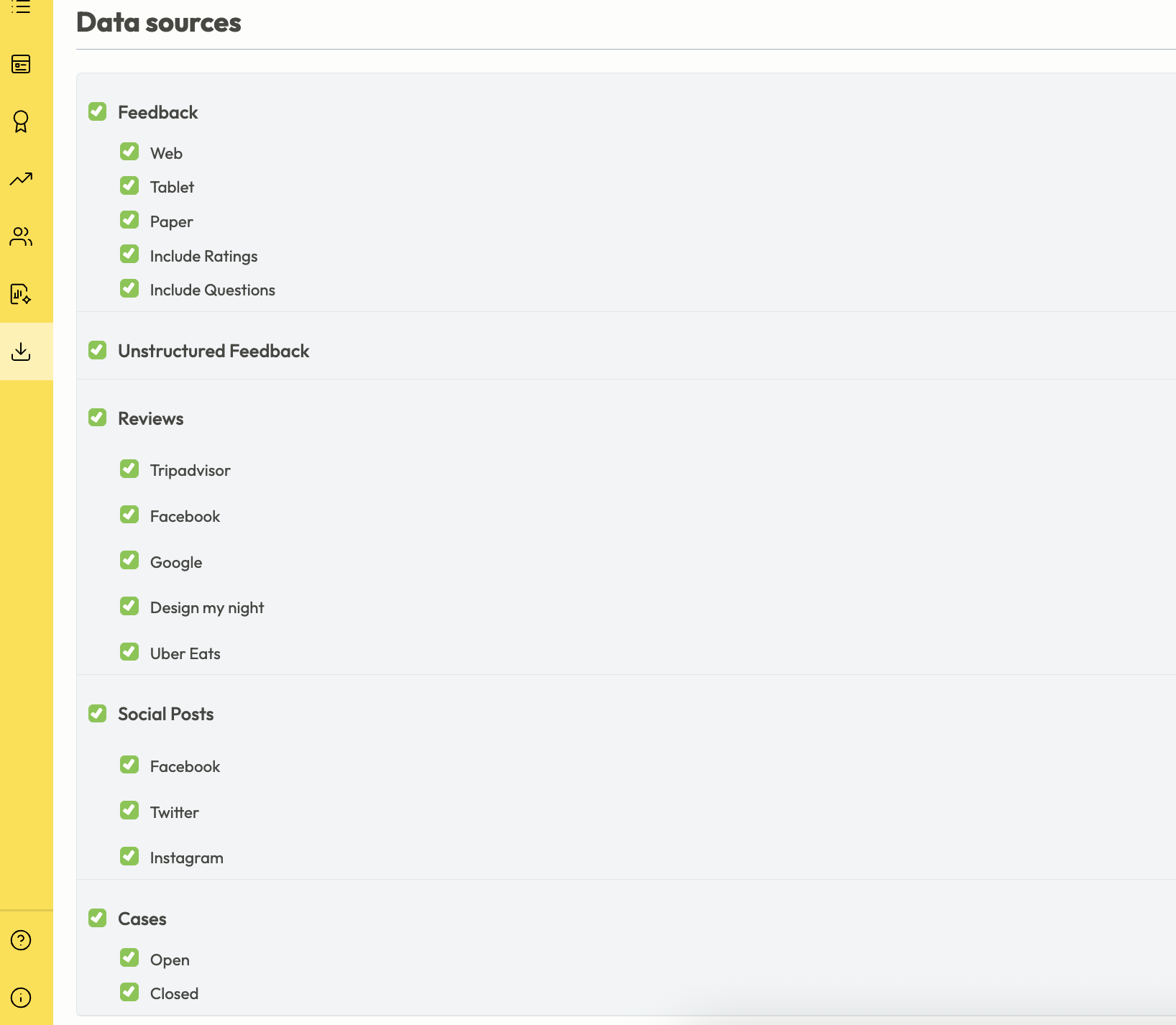
Select the date range you wish to view and click Submit.
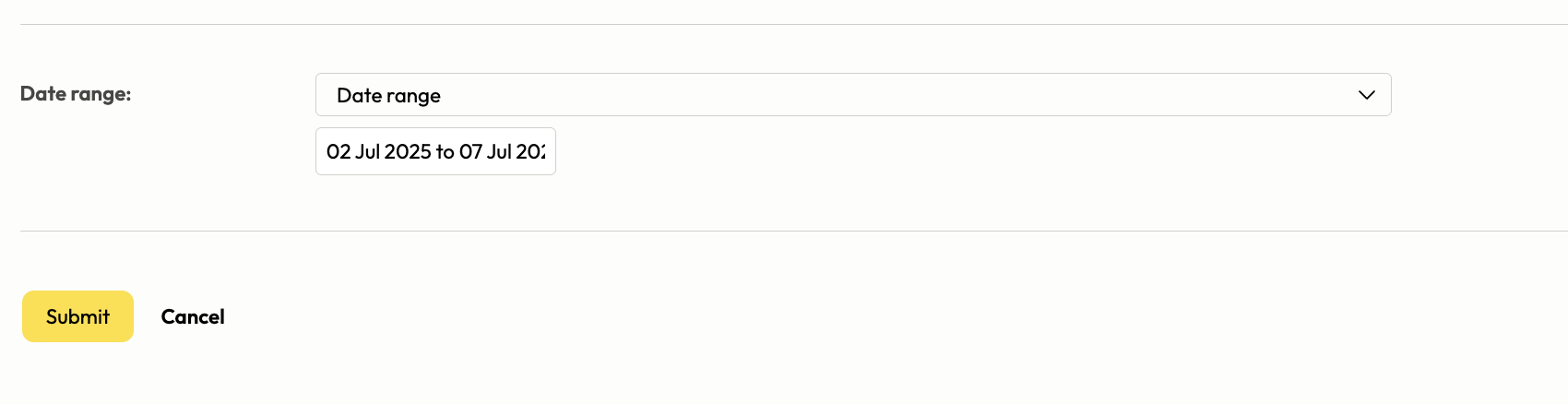
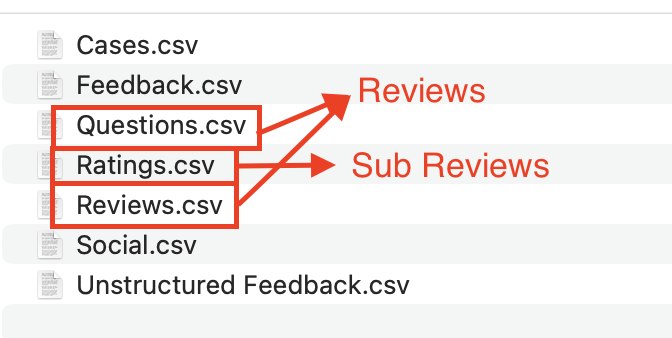
An email will be sent to the account holder with a download link. After downloading the group of csv files, Reviews and Sub Reviews can be found in the Questions, Ratings, and Reviews files.
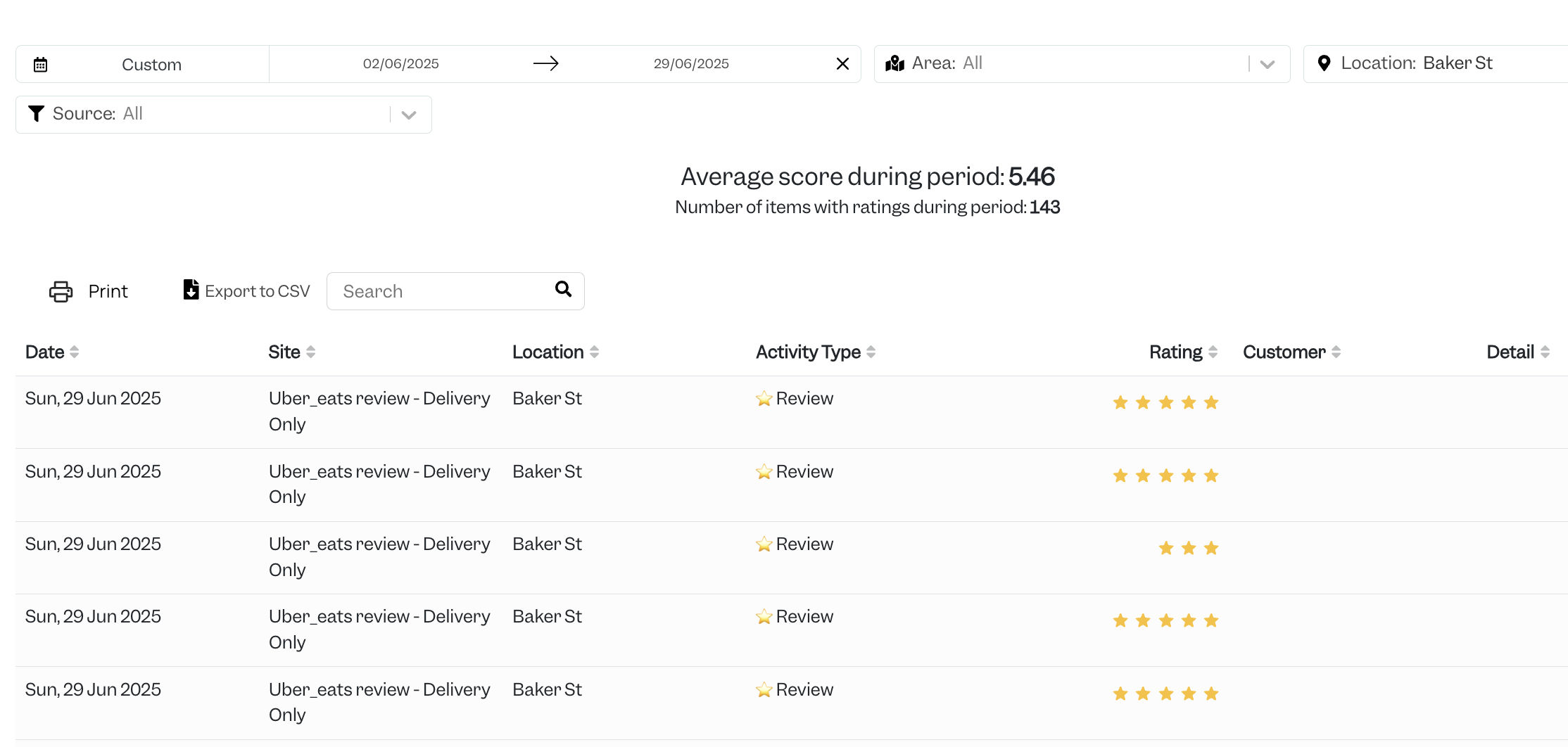
In Tenzo Navigate to Social > Activity and select a review type from the source filter. Reviews from 125 come through as 'Website feedback' and '[Delivery reviews]' for example -> 'Uber_eats reviews - Delivery Only'.
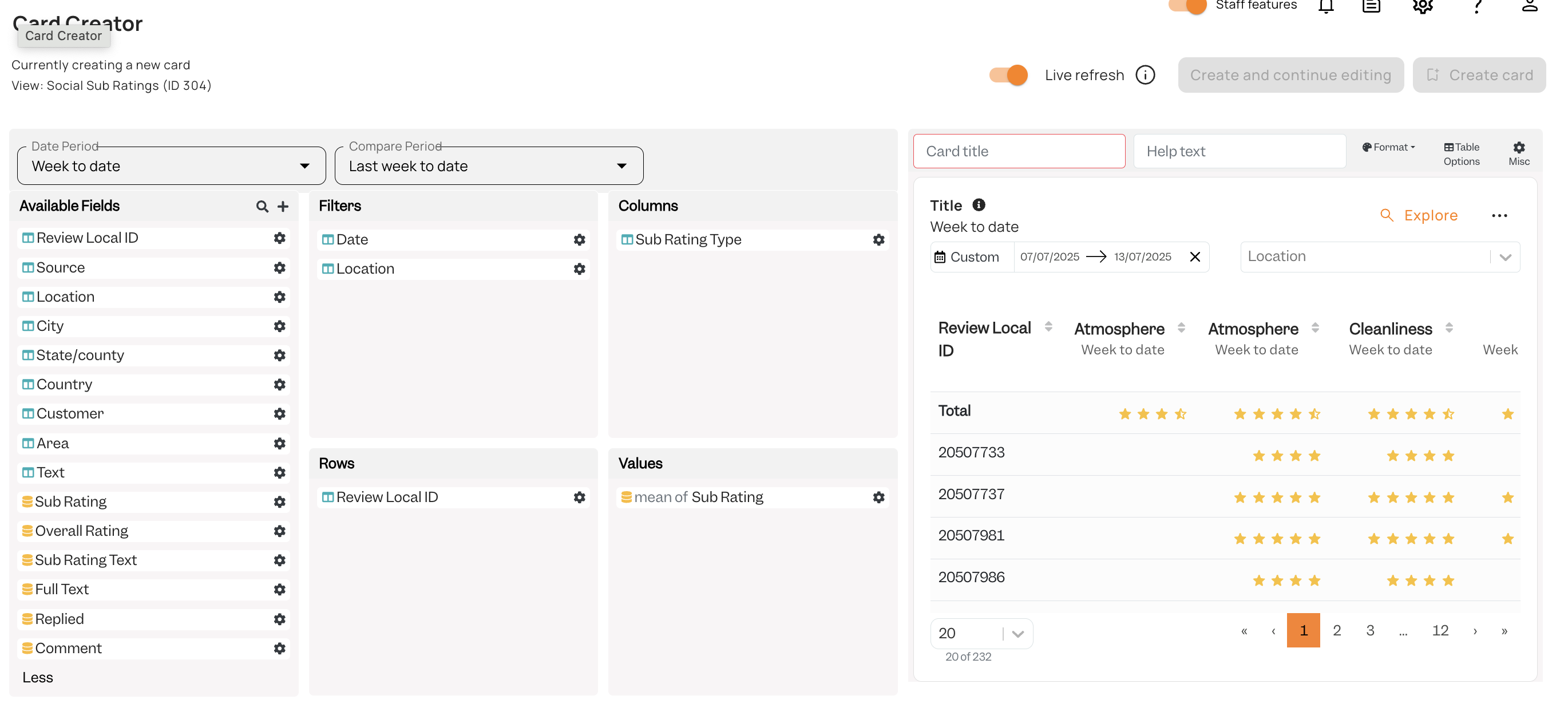
To view Sub Ratings in Tenzo you can create a card in view: Social Sub Ratings (ID304)
Exceptions
Reviews for 125 come into Tenzo in the source filter as 'Website Feedback - [review type], or '[Delivery Company] - Delivery Only'