

Guide: Facebook
How Do Core Concepts Map to Tenzo?
Key: ✅ Supported 🚸 Work in Progress ❌ Not Supported
 |
|
|---|---|
| Location | ✅ Location |
| Review | ✅ Review |
| Sub Ratings | ❌ Not Supported |
Data Ingestion
| Real-time optionally available? | ❌ |
| Default polling frequency | Twice daily |
| Data retrieved on each poll | Last 7 days |
| Historical data | All data since you had a page on Facebook |
How Do I Compare Data to Data in Tenzo?
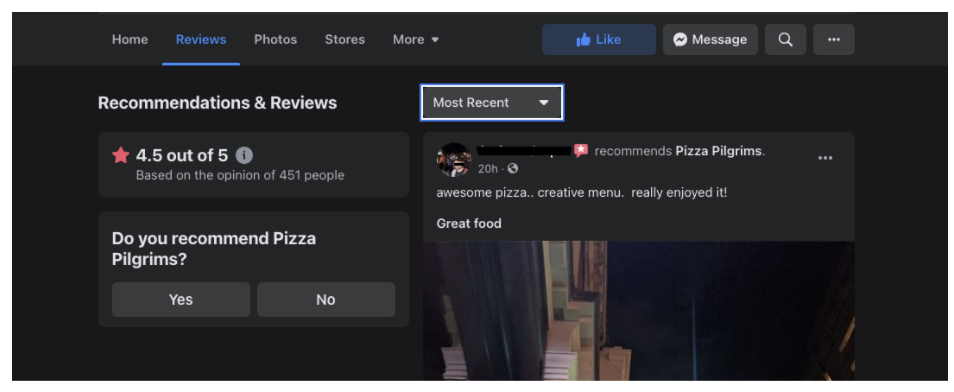
Within your Facebook page, you can see the most recent reviews.
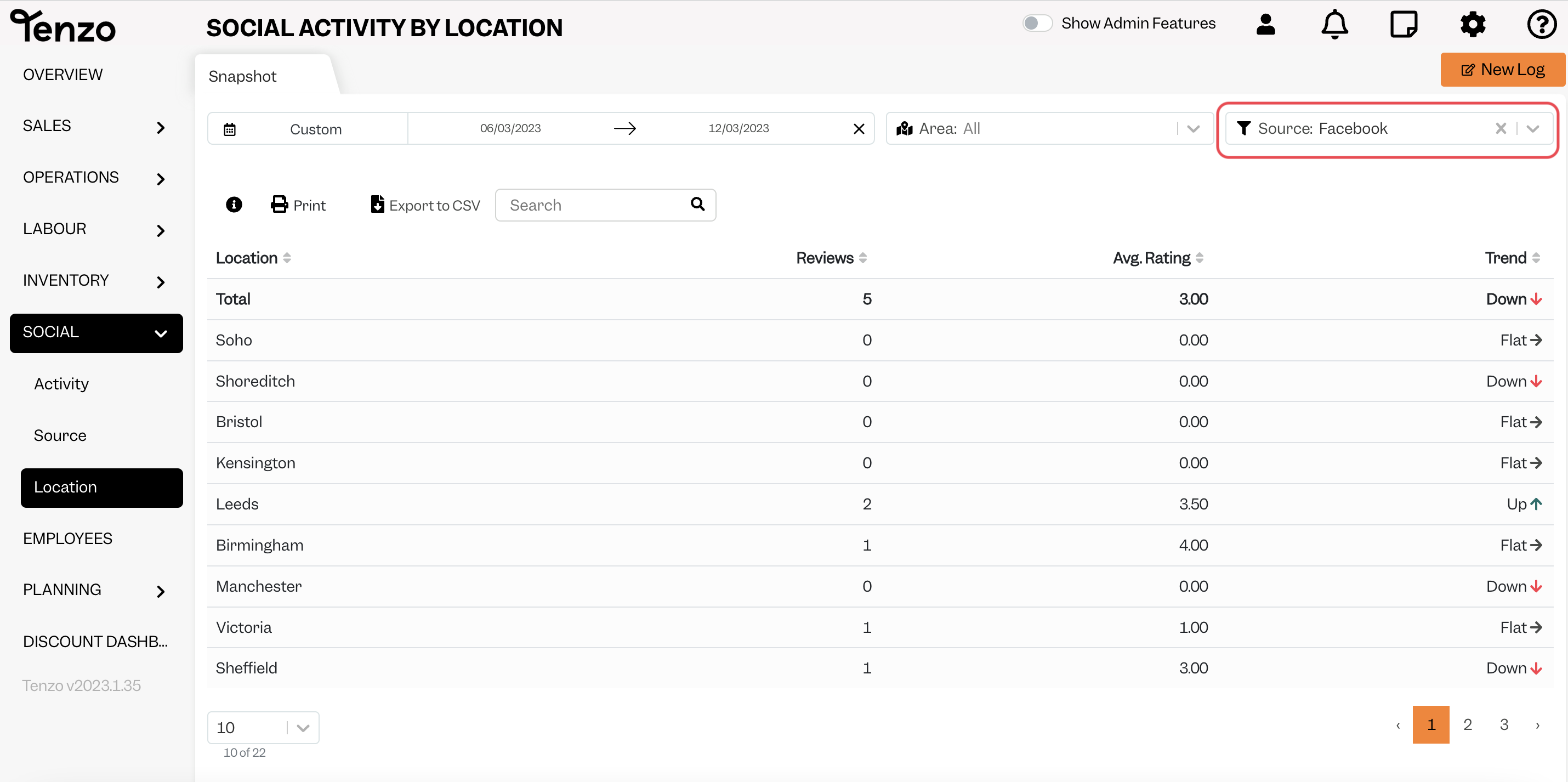
In Tenzo Navigate to Social > Activity and apply a Facebook filter to see all the Facebook reviews for the selected date range.
Exceptions
None