

Guide: OpenTable
How Do Core Concepts Map to Tenzo?
Key: ✅ Supported 🚸 Work in Progress ❌ Not Supported
 |
|
|---|---|
| Reservation | ✅ Reservation or Booking |
| Number of Guests | ✅ Guests |
| No Show | ✅ NoShow |
| Customer | ✅ Guest |
| Revenue Center | ✅ Table Category |
| Status | ✅ |
| Reservation Paid | ❌ Not Supported |
Data Ingestion
| Real-time optionally available? | ❌ Data refreshes hourly |
| Default polling frequency | Hourly |
| Data retrieved on each poll | Yesterday, and the future two weeks of data |
| Historical data | Available since the customer started using Open Table |
How Do I Compare OpenTable Data to Data in Tenzo?
In Tenzo, navigate to the Reservations dashboard.
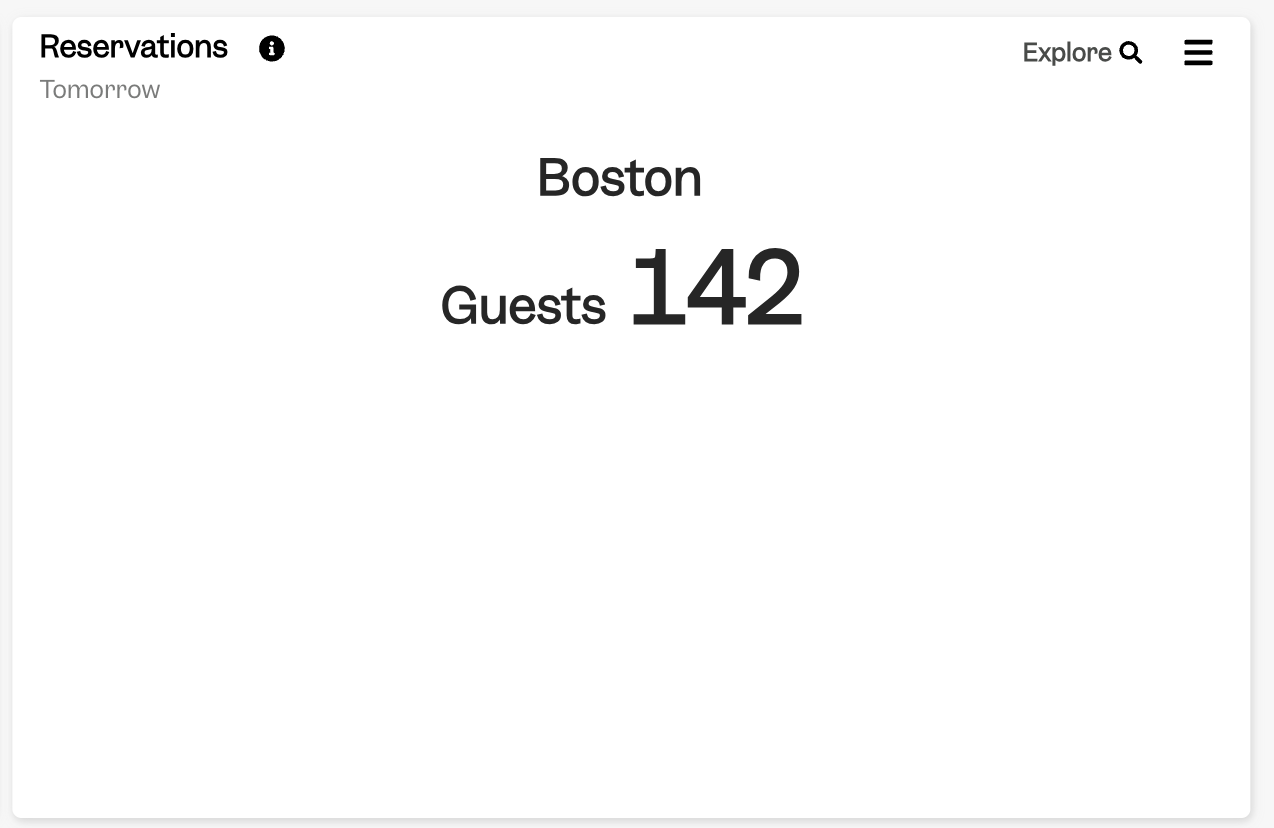
From here, all cards should match OpenTable, according to the relevant date, and sometimes status, selected on the card.
For example, Reservations card:
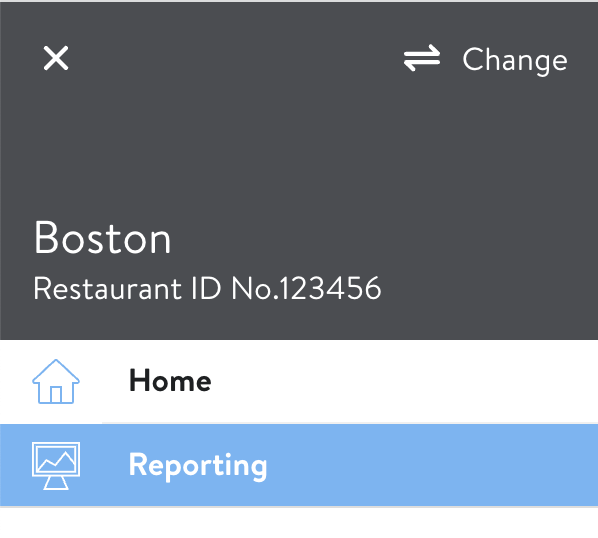
In OpenTable, we match to the reservations reporting. This can be found by selecting 'Reporting' in the Side Menu:
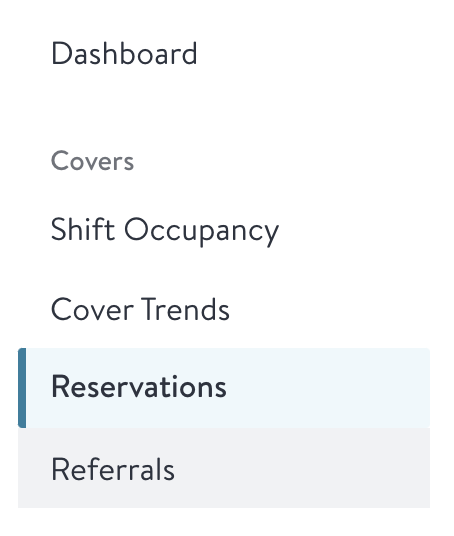
and then 'Reservations':
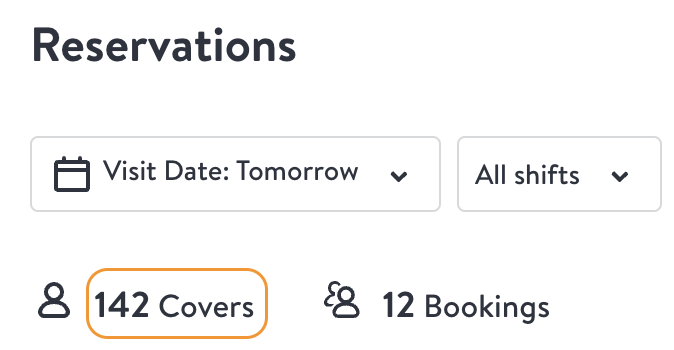
From here, the 'Covers' number will match Tenzo, apart from Seated disputed covers (see Exceptions below):
Exceptions
Disputed no-shows. When a diner disputes a no-show and OpenTable accepts the dispute, OpenTable Reporting shows the booking as 'Seated disputed' and counts its covers as seated. OpenTable's API still returns the booking as a no-show, and OpenTable has confirmed that dispute outcomes are only available in OpenTable Reporting, not through the API. Tenzo therefore keeps these bookings as No Show, so seated covers in Tenzo will be lower than the OpenTable Reservations report by the Seated disputed covers for the period.